How to Use a Planner: A Daily and Weekly Routine
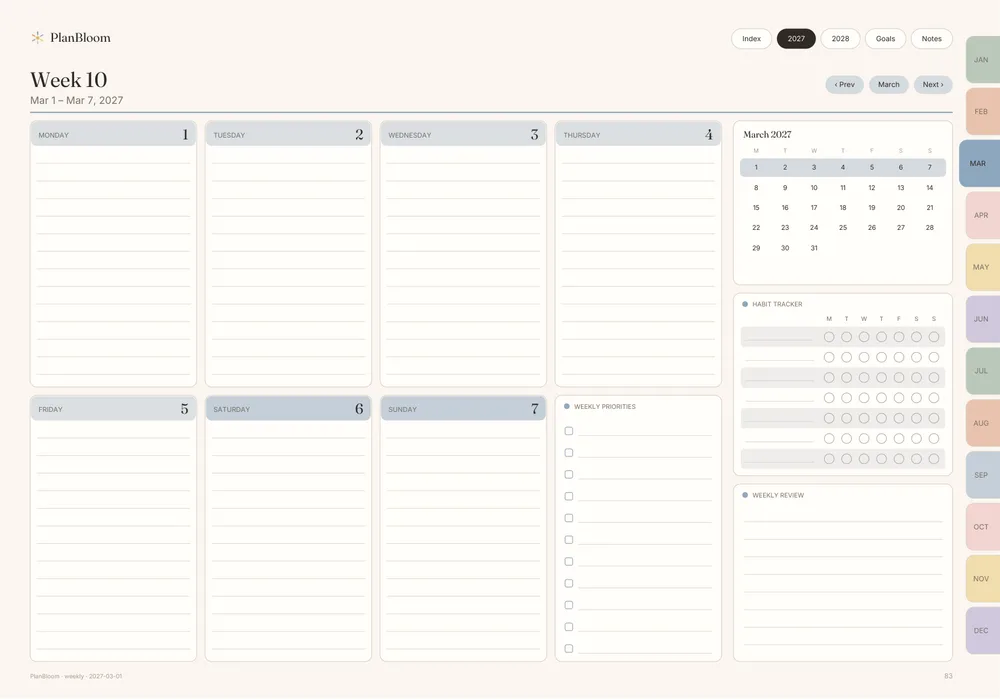
Using a planner comes down to two habits: a short weekly planning session and a quick daily check. Everything else, from stickers to color coding, is optional. This guide shows how to set a planner up in ten minutes, what to do each day and how to keep going when life gets busy.
Before you begin: pick a format that fits
A planner only works if you open it. Think about where you will be when you plan. At a desk with a printer, a paper planner may be easiest. If you carry a tablet everywhere, a digital planner avoids carrying a second object. If you are undecided, digital planner vs paper planner compares them honestly.
Also decide how much structure you want. Some people thrive with an hourly daily page; others only need a weekly spread and a monthly calendar. You can start with the minimum and add pages later.
A 10-minute setup
- Add fixed dates. Open the yearly or monthly view and add birthdays, holidays, trips, school terms and known deadlines. Do this once and you will not have to remember them.
- Write three goals. Pick no more than three things you want to move forward this quarter. Put them on a goals page you can see easily.
- Choose your week start. Monday or Sunday, whichever matches how you think about the week.
- Do a short brain dump on a notes page to capture loose tasks. If you want a format, the brain dump template guide has one.
That is all the setup you need. Resist the urge to fill every page.
The weekly session (15 to 20 minutes)
Pick a regular slot, such as Sunday evening or Friday afternoon.
- Review last week: what got done, what slipped, what to drop.
- Check the next two weeks of your calendar for fixed commitments.
- Choose the tasks that matter most and write them on the weekly page, assigning each to a day.
- Leave at least one buffer block. Unplanned things always arrive.
- Add one small thing for yourself, such as a walk or a call with a friend.
This session is the engine of the whole system. If you only have time for one habit, keep this one.
The daily check (5 minutes)
In the morning or the night before:
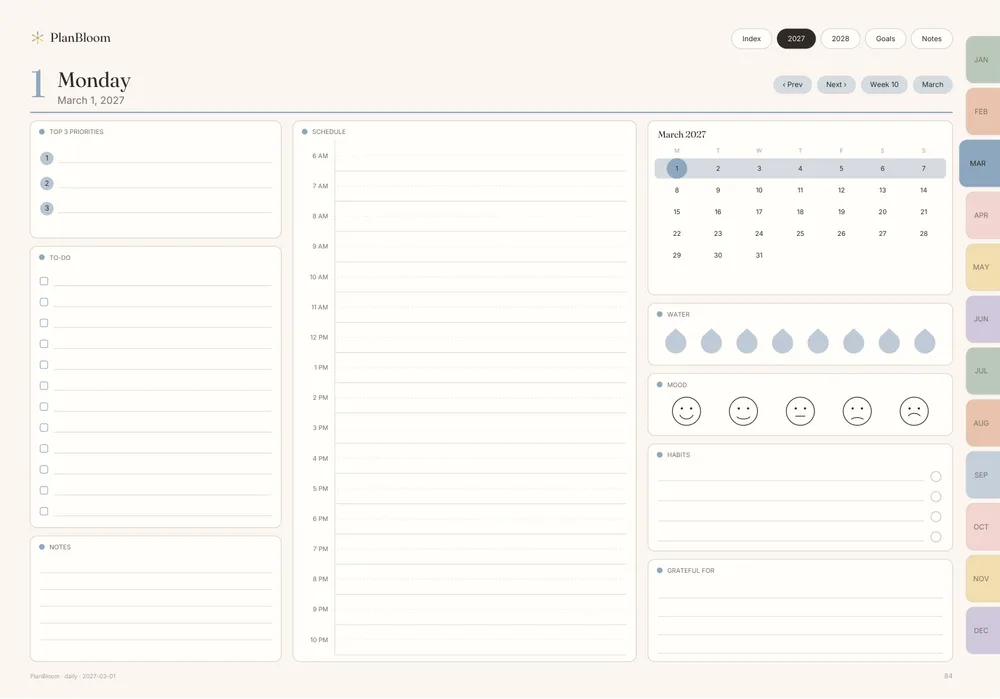
- Write your top three priorities for the day.
- Look at appointments and mark the time you need to leave or prepare.
- Add small tasks to a short list, and leave them if they do not fit.
At the end of the day, tick off what is done and move unfinished tasks forward only if they still matter. Moving a task three times is a sign it should be broken down or deleted.
Using the layers: year, month, week, day
A planner works because it zooms. The year page shows the big picture, the month page shows deadlines and events, the week page is where you commit and the day page is where you execute. In a paper planner you flip pages. In a hyperlinked PDF planner you tap. PlanBloom All-in-One Digital Planner has tabs for the 12 months on every page and a link on each date number, so the path from a year overview to a single day is one or two taps. Read more about how that works in what is a digital planner.
Habits that make it stick
| Problem | Try this |
|---|---|
| I forget to open it | Keep it where you start your day: on the desk, on the home screen of your tablet |
| I fill it with too much | Cap your daily list at three priorities |
| I fall behind and quit | Restart at the next weekly session; do not backfill |
| It feels like a chore | Use a ready-made layout so you do not design pages |
| I only plan work | Add personal blocks, such as meals, rest and exercise |
If your attention is easily pulled away
Many people who find planning hard do better with fewer, more visible steps: one priority per day, a time block, a reminder you cannot miss, and a weekly reset. That is a style of planning, not a medical claim. If you suspect attention difficulties are affecting your daily life, talk to a qualified professional. Planner tools can support routines, but they are not a substitute for care.
Common mistakes
- Over-planning. A day with 15 tasks is a hope, not a plan.
- Ignoring travel and transition time. Add buffer between appointments.
- Never reviewing. A planner you do not review is only a diary.
- Copying someone else's setup. A layout that works for a student may not work for a parent. Adjust.
- Perfectionism. Messy pages still work. Cross out, move on.
Getting more from a digital planner
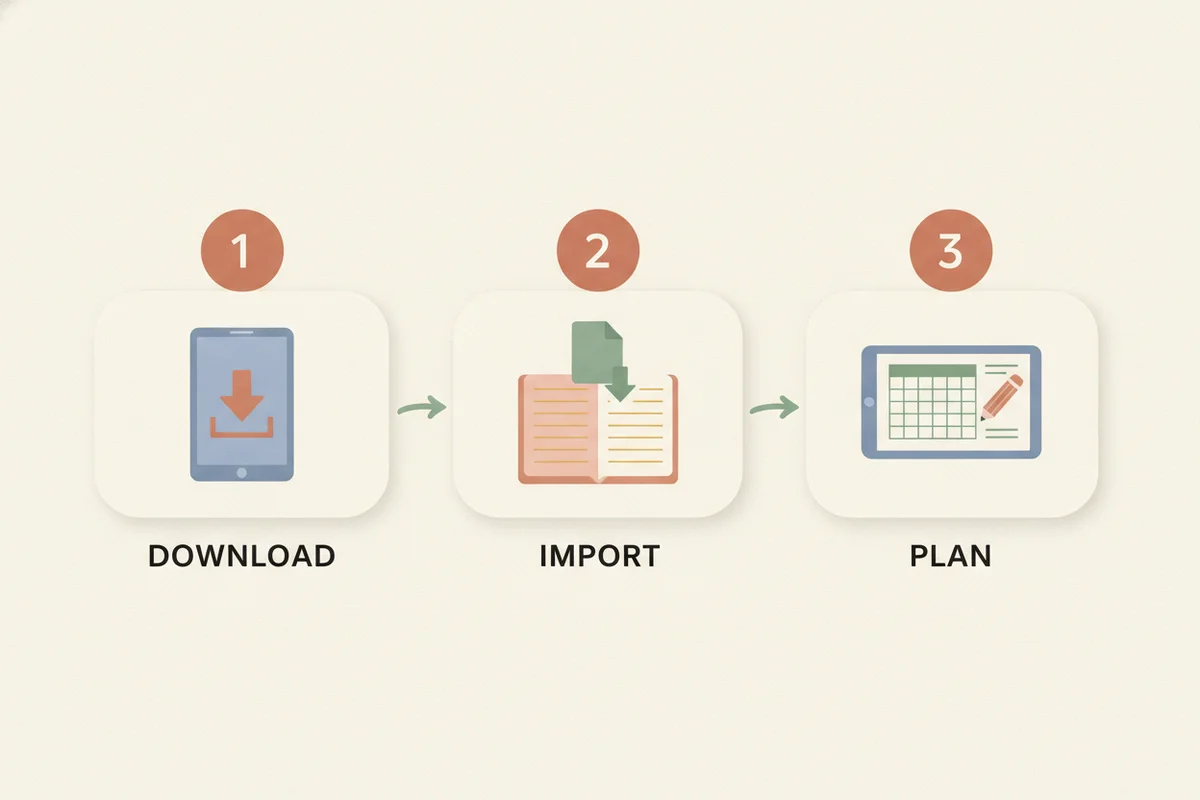
If you use a digital planner, you can duplicate pages, add stickers and covers, and write on the pages with a stylus. PlanBloom All-in-One Digital Planner includes the dated 2027-2028 planner and an undated version, 48 notebooks, 120 paper templates, Student and Work packs, and an 18-page Quick-Start Guide for importing into your notes app. The Companion app adds a setup wizard, a Today view and a focus timer for people who also want a web tool. For the bigger picture of putting a system together, see how to organize your life.
A sample week
| Day | Planner action |
|---|---|
| Sunday | Weekly session: review, choose tasks, assign days |
| Monday | Write top three; do the hardest task first |
| Tuesday | Check appointments; adjust blocks |
| Wednesday | Midweek glance: is anything slipping? |
| Thursday | Move or drop what won't fit |
| Friday | Close open loops; prepare for the weekend |
| Saturday | Light look at plans; rest |
If a day goes off the rails, skip its page and pick up the next morning. A planner records intentions, not a perfect record.