Digital Planner vs Paper Planner: How to Choose
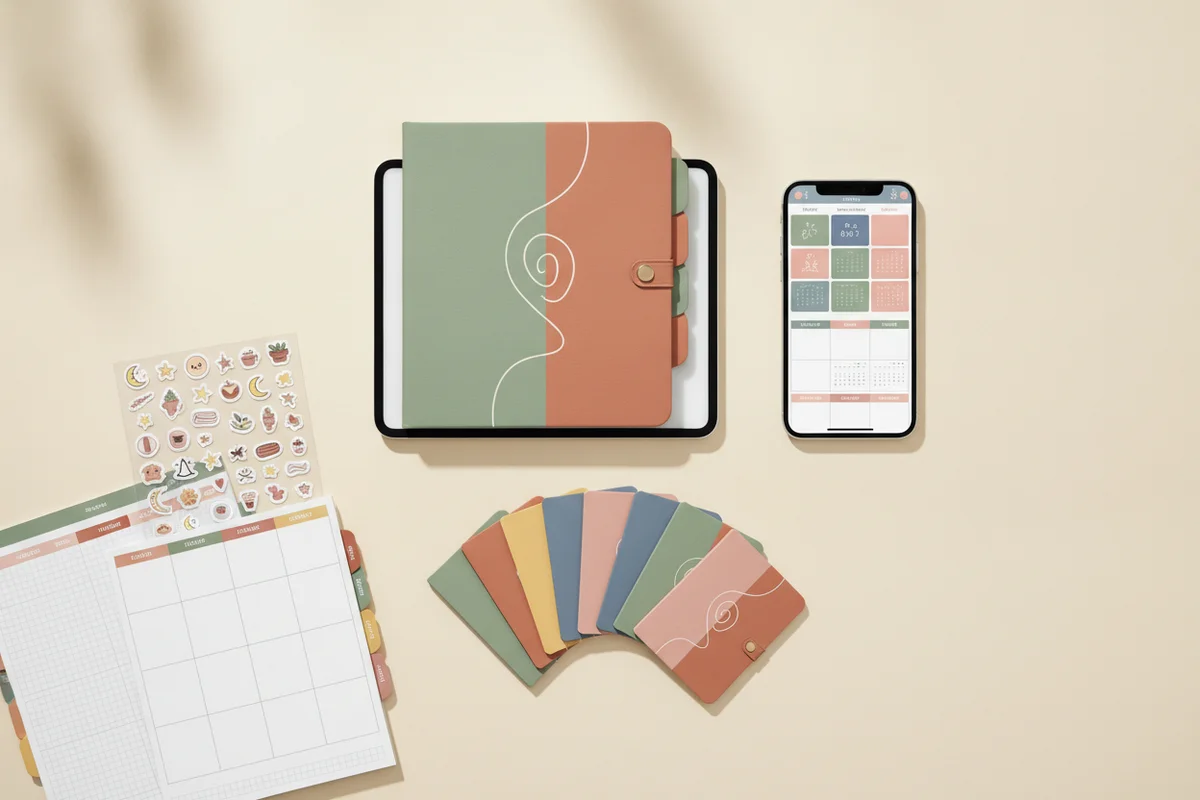
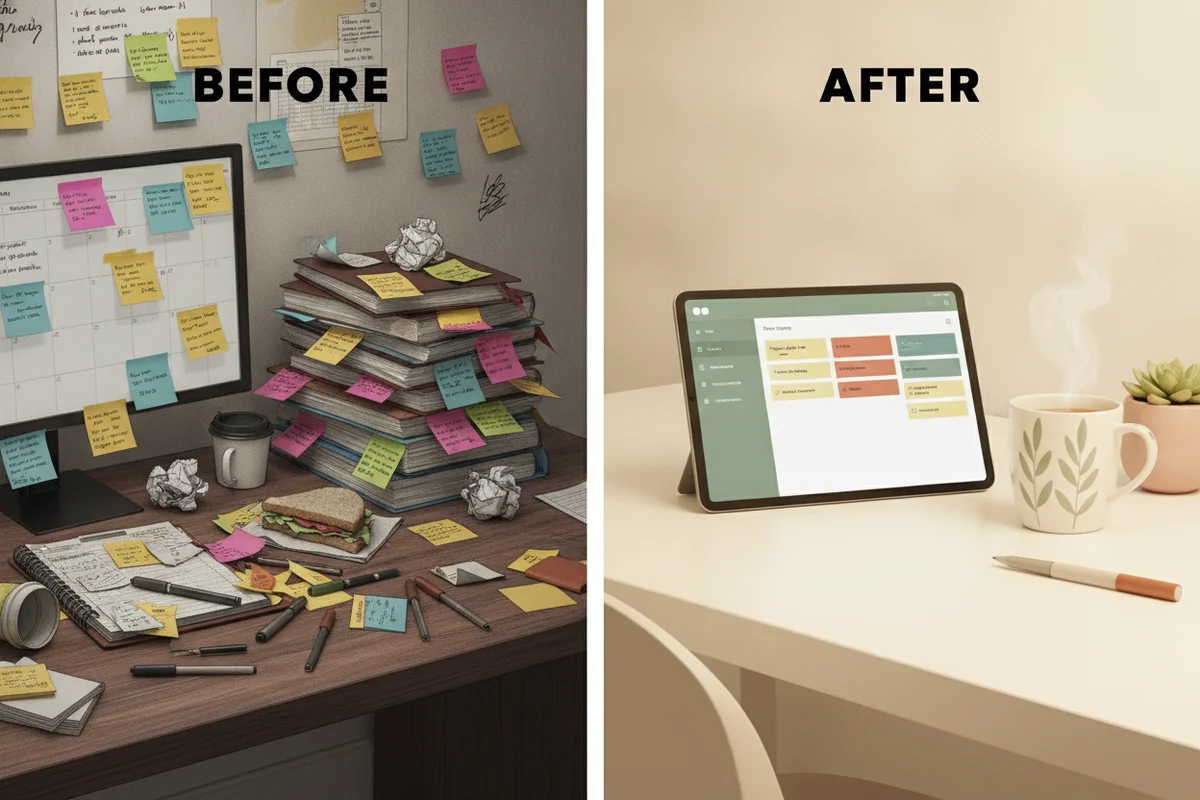
Choose a digital planner if you already carry a tablet, want backups and quick navigation, and like reusing pages; choose paper if you want a screen-free ritual and the feel of pen on paper. Most of the differences come down to how you work, not which is "better". The comparison below covers the points that matter in daily use.
Side by side
| Digital planner | Paper planner | |
|---|---|---|
| Upfront cost | One purchase; needs a tablet and ideally a stylus you may already own | Planner cost every year, plus pens |
| Running cost | Next year's edition, if you want one | A new planner each year |
| Navigation | Tap tabs and links to jump between year, month, week and day | Flip pages, use ribbon markers |
| Editing | Erase, move, copy and paste, duplicate pages | Cross out, use correction tape or rewrite |
| Backups | Cloud backup; losing the device does not lose the plan | One copy; losing it loses the plan |
| Weight | Whatever your tablet weighs, already in your bag | Another object |
| Focus | Notifications can pull attention away | No notifications |
| Writing feel | Depends on stylus and screen | Natural, some find it more memorable |
| Customization | Stickers, covers, new pages on demand | Washi tape, stickers, hand lettering |
| Search | Some notes apps search handwriting | None |
| Battery | Needs charge | None |
When digital makes sense
- You already use a tablet for work or study and carry it daily.
- You change plans often and want to move blocks around without scribbling.
- You want one planner for several years with a new edition ready on time.
- You want to reuse the same weekly template over and over without copying by hand.
- You want a backup in case you lose the device.
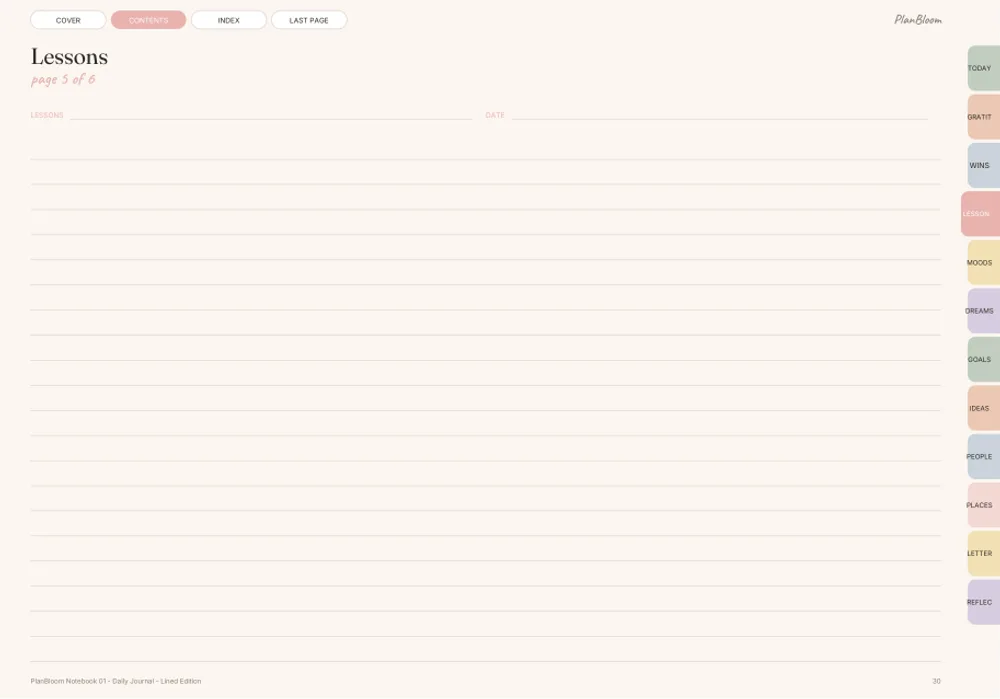
A hyperlinked PDF is a big part of why this works. Instead of flipping through 700 pages, you tap a month tab or a date. Our guide to what a digital planner is explains how the links work and what to look for in a file.
When paper makes sense
- You want a screen-free start or end to your day.
- You remember things better when you write them.
- You travel to places where charging a device is hard.
- You like decorating pages by hand.
- You dislike the idea of another app.
Paper is also simple. There is no import step, no app version question and no notification in the middle of your planning session.
The hybrid approach
Many people use both without trouble if they follow one rule: every date lives in one place. For example, appointments and deadlines live in the digital planner; paper is for daily notes, to-do lists and journaling. Copying the same event into two planners doubles your work and makes conflicts easy.
Another hybrid is print-on-demand. A planner delivered as a standard PDF can be printed. PlanBloom All-in-One Digital Planner is designed for tablets, but because it is a normal PDF you can print a month or a week when you want paper for a trip. Printing the whole thing is not practical; the dated planner is 952 pages in each of its four layouts.
Questions to decide
- Do I already own a tablet and stylus? If not, a paper planner is cheaper to start.
- Will I open it daily? The best system is the one you open.
- Do I distract easily on devices? If yes, consider paper or put the tablet in focus mode.
- Do I want backups? Digital wins.
- Do I change plans a lot? Digital makes edits painless.
- How do I feel about subscriptions? Some digital tools cost a monthly fee; a PDF planner is a one-time purchase.
What to check in a digital planner file
If you decide to go digital, check these before buying:
- Hyperlinks: do month tabs, dates and weekly pages link to each other?
- Layouts: both landscape and portrait, and a Monday or Sunday start.
- Dated or undated: dated saves effort; undated is flexible if you start mid-year.
- App support: a guide for importing into your notes app.
- Extras: notebooks, templates, covers and stickers if you like customizing.
PlanBloom All-in-One Digital Planner covers these: a dated 2027-2028 planner and an undated planner in four layouts, with tabs and linked date numbers on every page, plus an 18-page Quick-Start Guide for importing into GoodNotes, Notability, Noteshelf, Xodo and Samsung Notes. Link support varies by app and version, which the guide notes.
A quick decision
- Tablet owner who plans often: digital.
- Student who handwrites notes in class: either; digital reduces what you carry.
- Someone who wants to disconnect: paper.
- Someone who needs both: hybrid with a one-place-for-dates rule.
If you are still unsure, test for a month. Use one format for four weeks and notice whether you open it. The format you open without reminding yourself is the one to keep. For a setup routine in either format, see how to use a planner, and if you lean digital, the iPad planner guide shows what to look for on that device.
For the wider picture of building a system you will stick with, read how to organize your life.