Notion Planner: Which Daily, Weekly and Monthly Layouts to Use
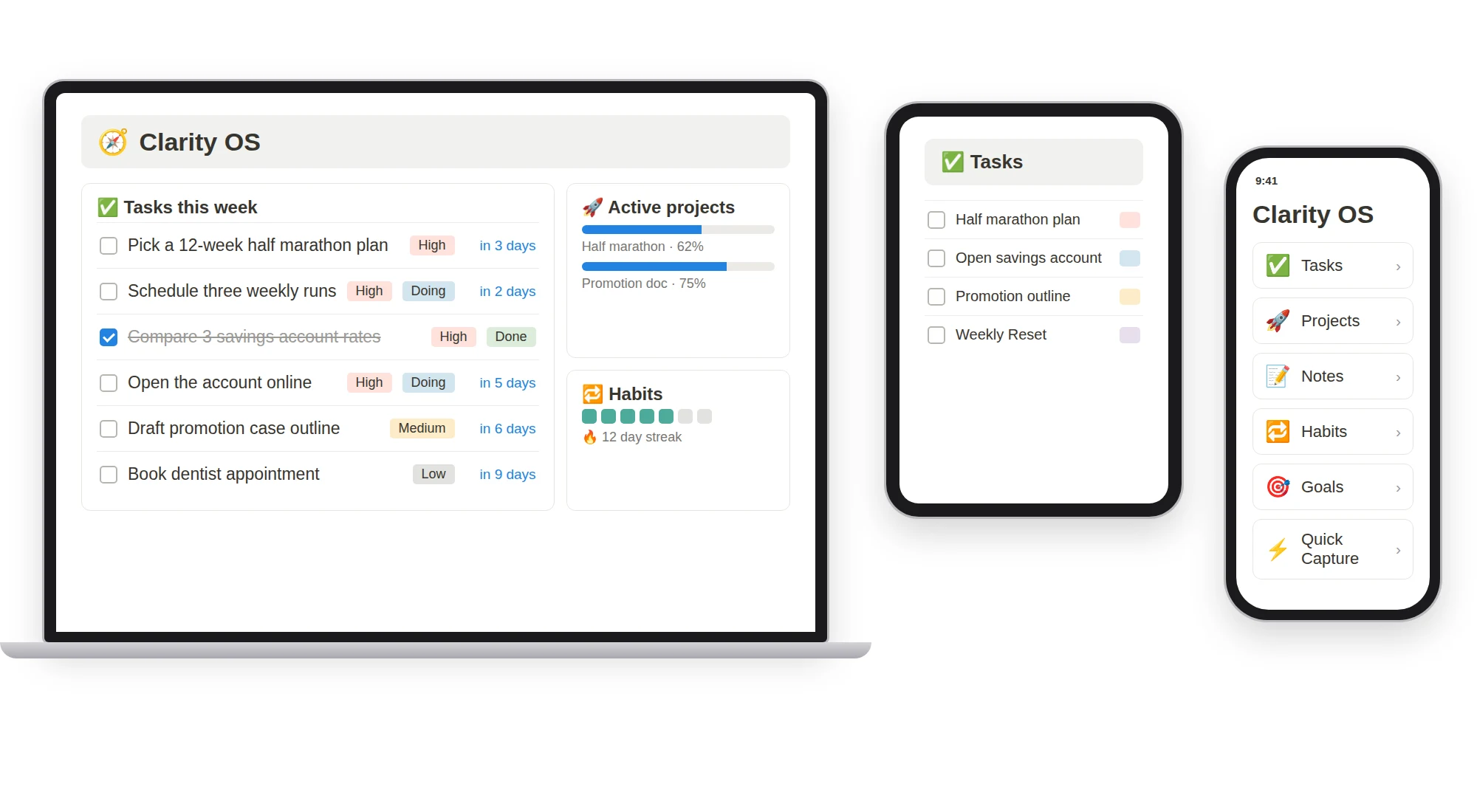
The best Notion planner is the smallest set of layouts you will open regularly. Search results offer hundreds of planners, and most of them include more pages than anyone uses. This list explains each type of planning page, when it helps, and what to put in it, so you can choose rather than collect.
The planning ladder
Planning works in layers, each longer than the last:
| Layer | Horizon | Question it answers |
|---|---|---|
| Daily plan | Today | What are the three things that make today a good day? |
| Weekly plan | 7 days | What are this week's priorities? |
| Weekly review | Past week | What happened and what did I learn? |
| Monthly review | A month | Am I heading the right way? |
| Quarterly planning | 90 days | Which three bets matter most? |
| Annual review | A year | What worked and what is next year's theme? |
You do not need every layer. Start with the daily and weekly layers and add one more only when you feel its absence.
1. Daily Plan
Use it when: your days start with too many options.
What to include:
- Date
- Top three tasks
- An energy level (low, medium, high)
- A line for the day's win
Keep it to a few lines. A daily plan should take two minutes to write. Link it to your task database so the top three come from your real list.
2. Weekly Plan
Use it when: you want priorities set before Monday takes over.
What to include:
- Week-of date
- A theme or focus
- Linked goals
- A progress marker for what is done
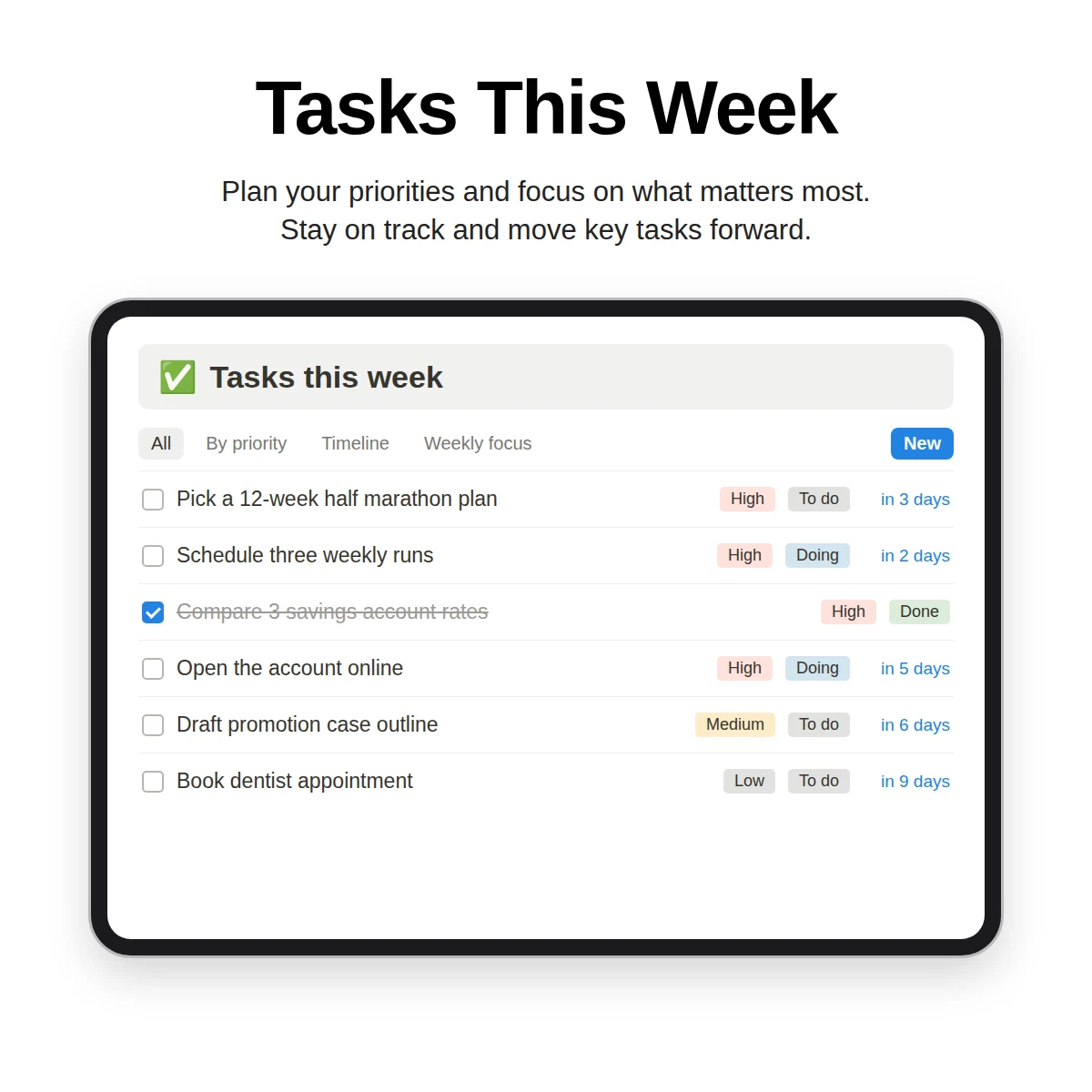
This is the most useful layer for most people. Choose up to three tasks for the week and schedule them.
3. Weekly Review
Use it when: you want a clean end to the week.
The review closes the loop: score the week, note wins and lessons, clear the inbox. Follow the full weekly review checklist for a step-by-step version.
4. Monthly Review
Use it when: you want to check direction.
Include a few metrics that matter to you, a rating, and one focus for next month. Keep it to a page.
5. Quarterly Planning
Use it when: you have several goals and need to choose.
Pick three bets for the next 90 days, link them to goals and set a review date. A quarter is long enough for real progress and short enough to stay concrete.
6. Annual Review
Use it when: the year is ending, or any natural turning point.
Record a rating for each area of life and a theme for the next year. Do it once a year, with time set aside.
7. Time Blocking Planner
Use it when: your task list is longer than your day.
Convert tasks into time blocks with start and end times and a category. It makes you see whether the plan fits in the hours you have.
8. Priority Matrix
Use it when: everything seems urgent.
A matrix of urgent versus important shows what to do first, what to schedule, what to delegate and what to drop. Use a checkbox for each axis and let a formula assign the quadrant.
9. Morning Routine and Evening Shutdown
Use them when: your day has no clear start or end.
A short checklist at the beginning and a three-line shutdown at the end give the day edges.
How the layers share one task list
A planner works best when it does not store tasks itself. Keep all tasks in one Tasks database and let planning pages show filtered views:
- Today: due today or overdue, not done.
- This week: due in the next seven days (a filter you can add in a minute).
- Weekly focus: tasks marked as one of this week's three.
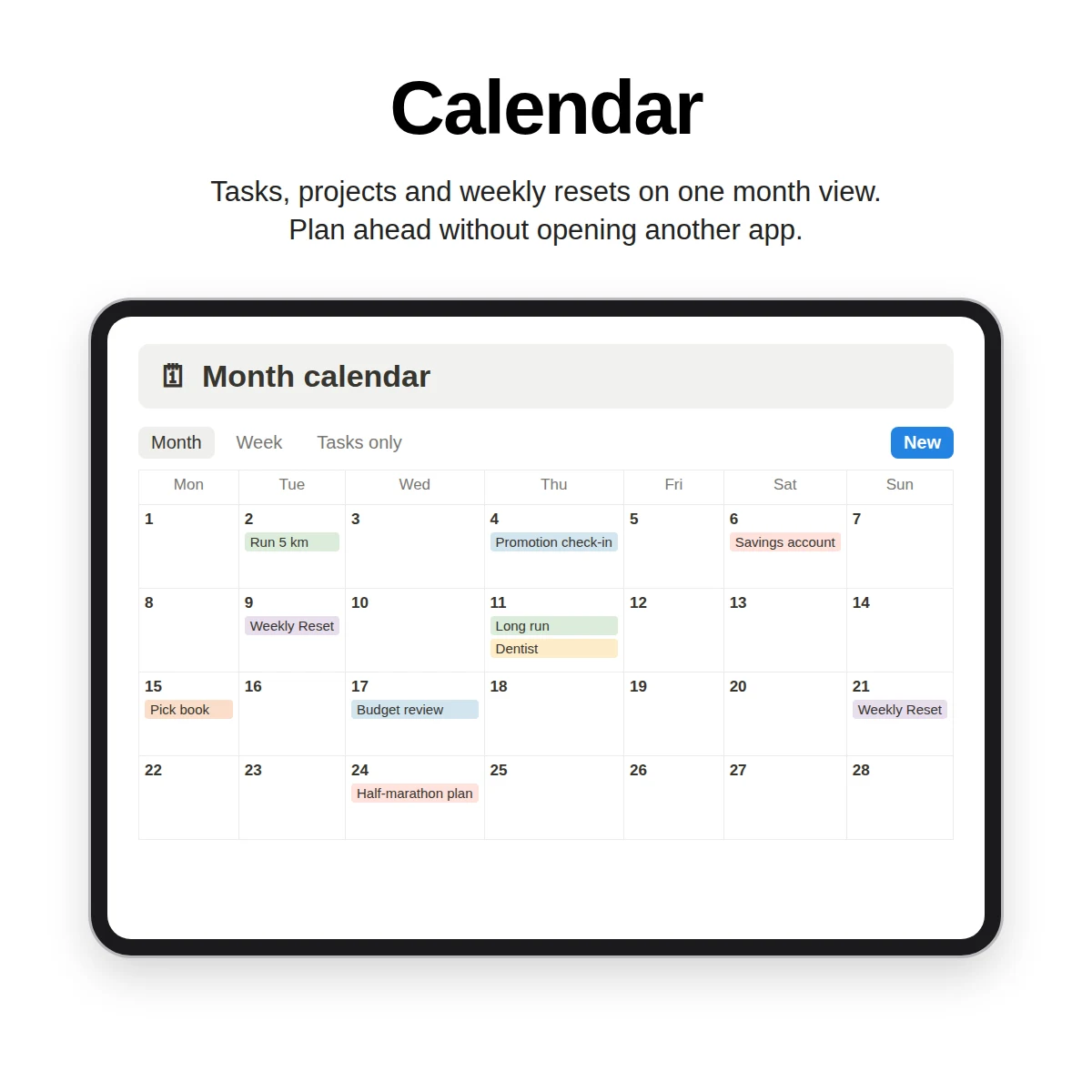
- Calendar: tasks on a calendar.
When you update a task in any view, every page reflects it. This is why the dashboard guide recommends building views over databases instead of copying tasks onto pages.
Choosing your set
| If you... | Start with |
|---|---|
| Feel scattered day to day | Daily Plan + Weekly Plan |
| Finish tasks but lose direction | Weekly Plan + Monthly Review |
| Have many goals | Quarterly Planning |
| Like paper | Printable pages |
| Want to track routines | Add a habit tracker |
If you are a student, Notion for students shows how the same layers apply to a term.
What Clarity OS contains
Clarity OS includes a Planning & Reviews category of 15 page templates: Daily Plan, Weekly Plan, Weekly Review, Monthly Review, Quarterly Planning, Annual Review, OKR Tracker, Goal Planner, Priority Matrix, Time Blocking Planner, Morning Routine Checklist, Evening Shutdown, Inbox & Capture System, Someday / Maybe List and Decision Matrix. They sit alongside a Tasks database with Today, Board, Weekly focus and Calendar views, and a Weekly Reset database for the review.
For people who prefer paper, a Printable Daily & Weekly Planner Pack in PDF is included as a bonus. The whole library has 120 page templates in eight categories.
Pick the two or three layouts from this list that match your week, and ignore the rest.