Notion for Students: Lecture Notes, Study Plans and Flashcards
A student setup in Notion needs four things: a place for notes, a list of what is due, a plan for exams and a way to review. Everything else is decoration. This guide shows how to build each of the four, with the properties that make them useful, and then how to run a weekly routine that keeps the term under control.
The four building blocks
| Block | Question it answers | Database or page |
|---|---|---|
| Notes | What did we cover and what did I understand? | Lecture notes |
| Due dates | What is due and when? | Tasks or assignments |
| Exam plan | How do I fit the studying in? | Study plan |
| Review | What do I need to revisit? | Flashcards, weekly review |
1. Lecture notes with the Cornell layout
The Cornell method splits a page into three areas:
- Notes (main column): what was said, in your own shorthand.
- Cues (side column): questions or keywords you add after class.
- Summary (bottom): two or three sentences in your own words.
The method works because the cue column turns notes into questions you can use for review. In Notion, a lecture-notes database can carry properties such as:
| Property | Purpose |
|---|---|
| Topic | The title of the note |
| Date | When the lecture happened |
| Course | Relation to a course |
| Reviewed | Checkbox once you re-read it |
| Next review | A date for the next look |
| Confidence | A number to flag weak topics |
Filter by "not reviewed" to see what needs a second look, and by low confidence to build your study list.
2. Courses and assignments
A course tracker with a few properties is enough:
| Property | Purpose |
|---|---|
| Course | Title |
| Platform | Where it takes place |
| Progress | Percent or lessons done |
| Due | Next deadline |
| Hours left | Estimate |
| Status | Planned, active, done |
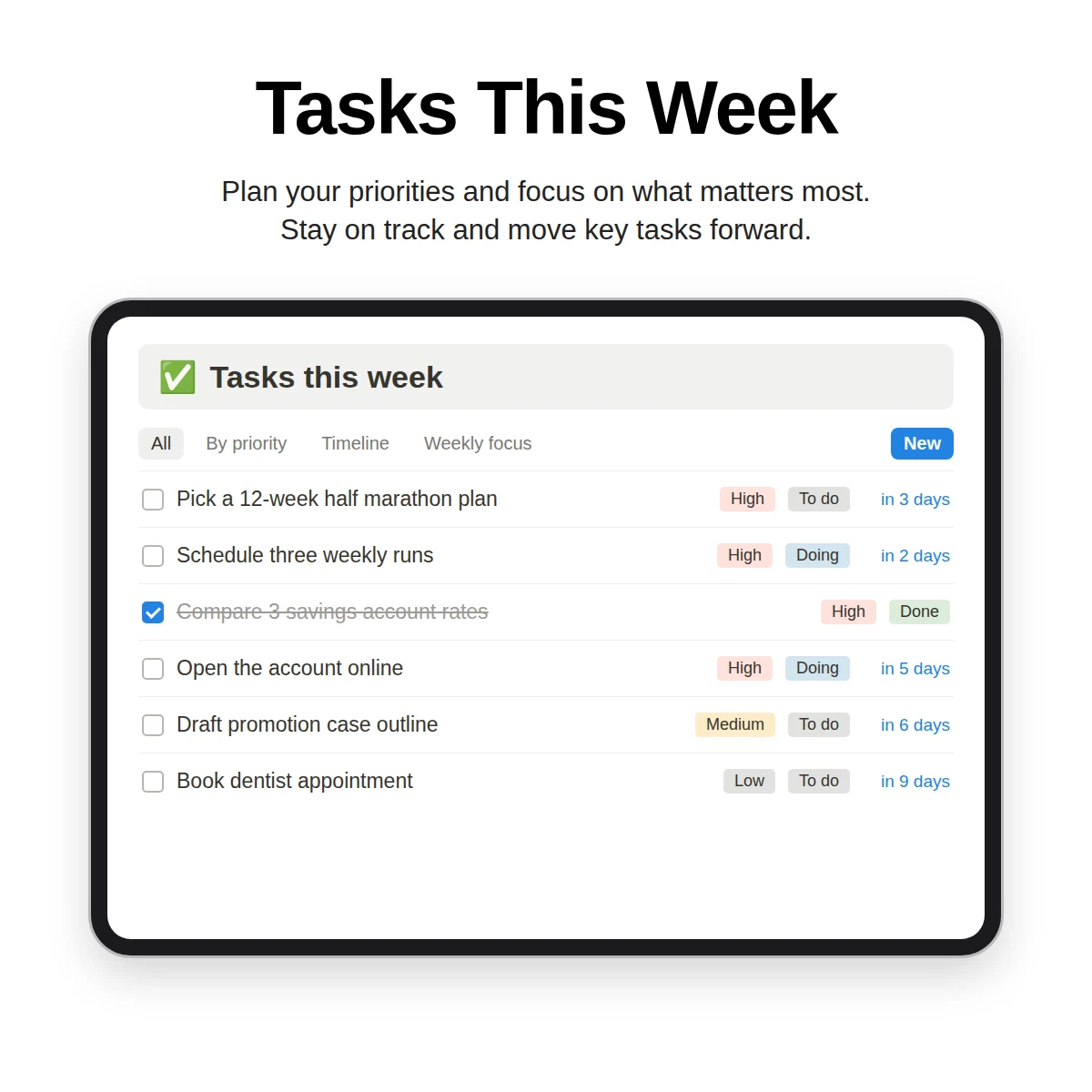
Link tasks to courses so a course page shows what is open. A calendar view of due dates prevents the surprise of two deadlines on the same day.
3. A study plan counted backward from the exam
Planning backward is the most useful habit a student can build. For each exam:
- Write the exam date.
- List the topics and give each an hour estimate.
- Subtract the days you cannot study (travel, work, other exams).
- Spread the hours across the weeks left, front-loading the hardest topics.
- Leave a buffer of a day or two for review.
- Track hours planned and hours done and a confidence rating from one to five.
Useful properties: exam date, subject, topics (a relation), hours planned, hours done and confidence. Watching "hours done" against "hours planned" tells you early if you are behind, while there is still time to adjust.
4. Flashcards with review dates
A flashcard database stores a front, a back, a deck, a confidence level and a next review date. Filter for cards whose review date is today or earlier, study them, then update the confidence and push the next date further out for the ones you know. This is a simple version of spaced repetition: cards you find hard come up sooner, and cards you know come up less often.
The weekly routine
Students often forget that planning is a recurring job. Once a week, for about 20 minutes:
- Clear the notes inbox and file notes under courses.
- Check the next two weeks of deadlines and exams.
- Add study sessions to your calendar.
- Choose up to three focus tasks for the week.
- Write one line: what worked, what to change.
The weekly review guide gives the full checklist, and the Notion planner guide shows how daily and weekly pages fit around your classes.
Handling a heavy week
Terms are not even. A few weeks will bring three deadlines at once, and a plan that works in a quiet week can fail in a busy one. Prepare for that in Notion before it happens:
- Add a "Heavy week" checkbox to your weekly plan and tick it when more than two deadlines land together.
- In a heavy week, cut the focus list from three tasks to two and drop everything optional.
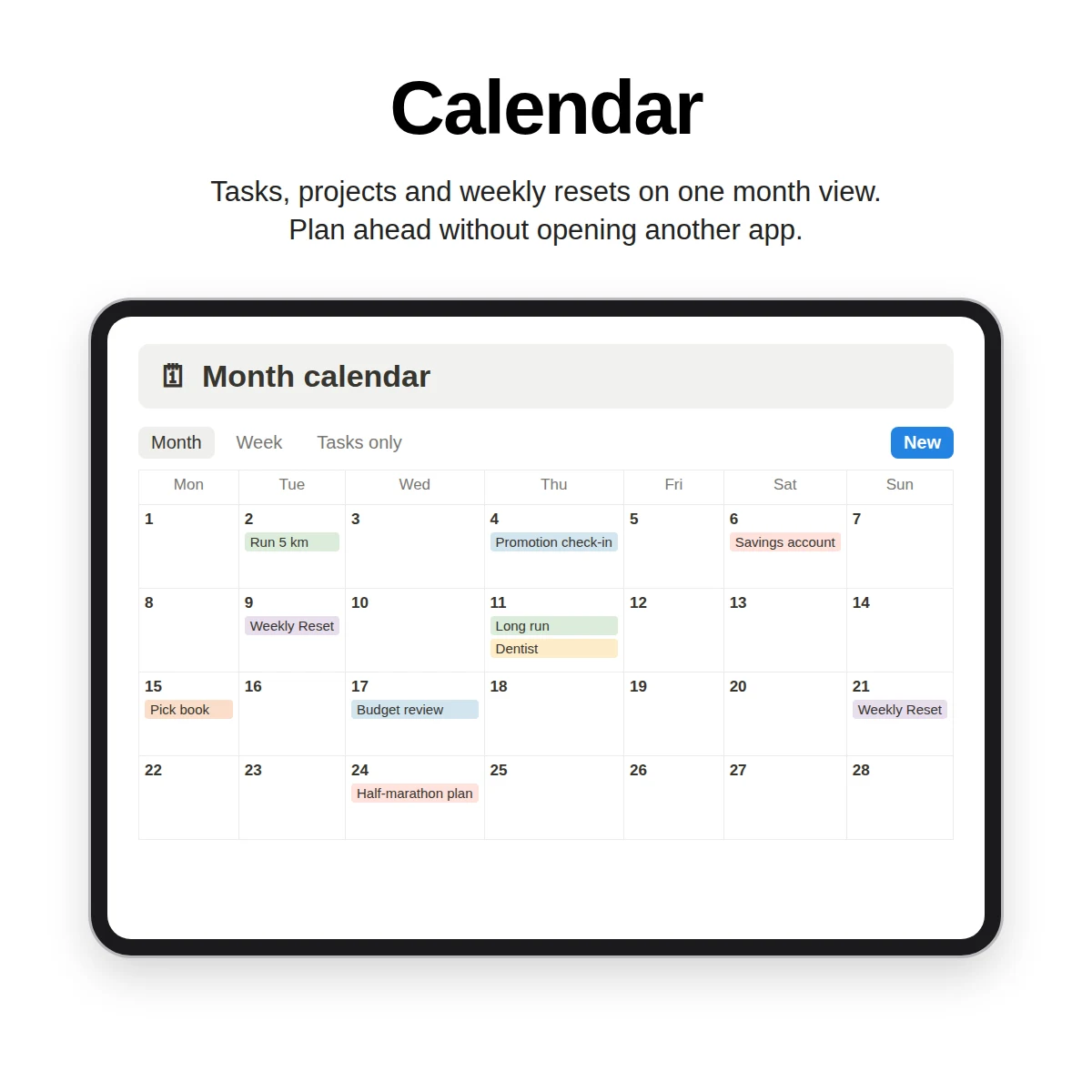
- Use a calendar view of tasks and exams to spot clusters two or three weeks ahead, when you can still move study sessions.
- Keep a short "if I only have 30 minutes" list: flashcards due today, one practice problem set, a quick read of the lecture notes with the lowest confidence.
- After the week, write one line in your review about what you would do earlier next time.
These small habits matter more than a perfect layout, because they keep the system useful when you are tired and short on time.
Tips that help
- One database for all courses, not a page per course. Filter by course instead.
- Capture first, tidy later. In class, type fast and organize after.
- Use confidence ratings honestly. A rating of five on a topic you have not tested is not useful.
- Pair with paper if you like. Print a weekly page for your desk and keep long notes in Notion.
- Add formulas gradually. A countdown to the exam date is a simple, motivating start; the formulas cheat sheet shows how.
What Clarity OS offers students
Clarity OS is a general personal system, not a student-only product, but it includes a Learning & Notes category of 15 page templates that cover the blocks above: Lecture Notes (Cornell), Study Plan, Flashcards Database, Course Tracker, Book Notes, Reading List, Article Clipper, Research Notes, Learning Journal, Language Learning Log, Skill Development Plan, Zettelkasten Note, Meeting-to-Notes Template, Book Summary Cheat Sheet and Podcast & Video Notes. Around them, the core system supplies Tasks, Projects, Notes and a Weekly Reset to run the term, and a Printable Daily & Weekly Planner Pack in PDF is included for paper.
A larger pack called Study OS is sold separately and is not part of what is described here. To see other kinds of pages, browse the Notion template guide.
Start with lecture notes and a list of deadlines, then add the study plan before your first exam.