Best Notion Templates: How to Choose Them by Category
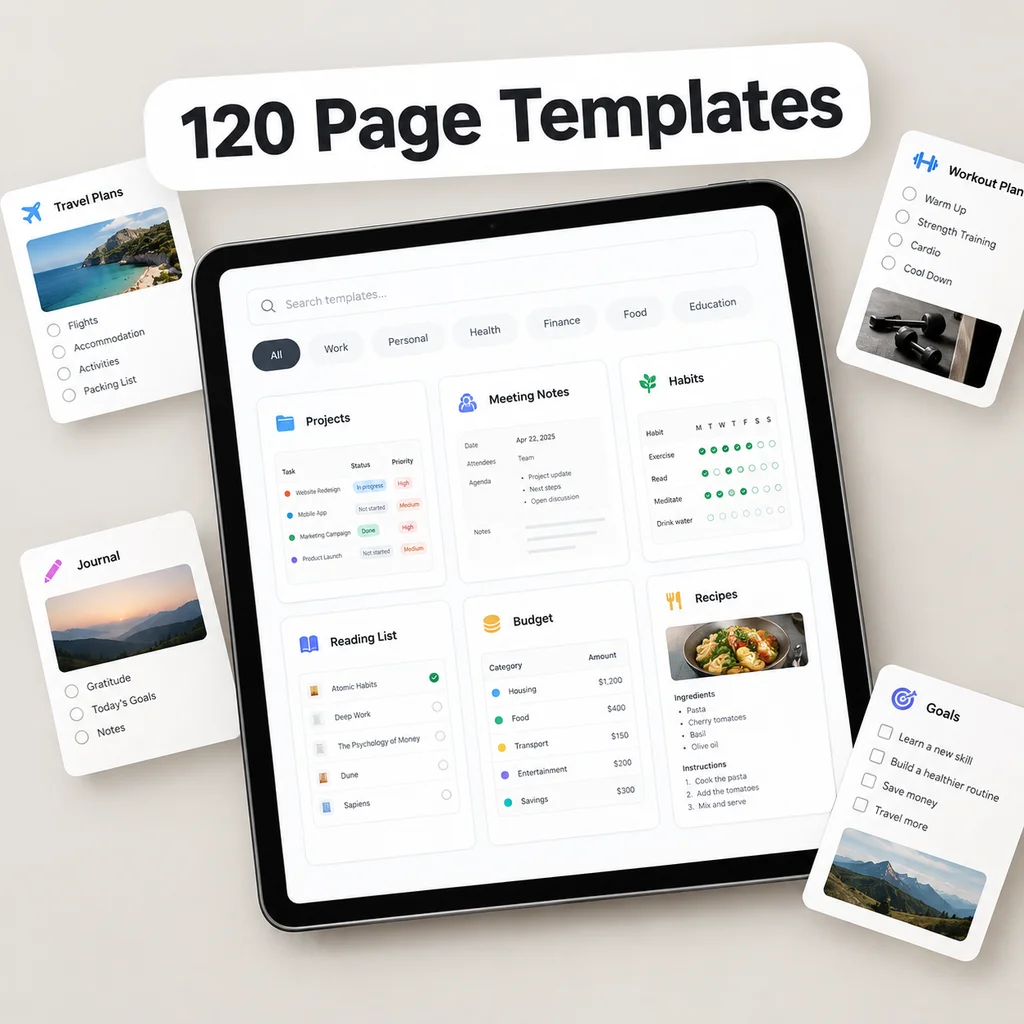
The best Notion template is the one that matches a job you do every week. Template galleries are large and the choice paralysing, so this page does two things: it gives a checklist for judging any template, and it lists eight categories of templates with what each one is for. Use it to decide what you need before you download anything.
A five-point check for any template
Before using a template, look at these five things.
| Check | What to look for | Red flag |
|---|---|---|
| Contents are visible | A clear list of databases and pages | Only screenshots |
| Few properties | Three to eight per database | Fifteen fields per row |
| Relations, not copies | Tasks link to projects, projects to goals | The same text typed in several places |
| Sample data you can delete | Example rows plus a way to clear them | Placeholder content mixed with real structure |
| Phone-friendly views | Lists or boards with few visible properties | Wide tables only |
A sixth check is personal: can I describe, in one sentence, the weekly moment when I will use this? If not, skip it.
Core system or single-purpose page?
Two kinds of templates are often mixed up.
- A core system is a set of connected databases, such as areas, goals, projects, tasks and notes. You adopt it once and use it for years.
- A page template is a single layout for a specific job, such as a budget, a meal planner or a reading list. You add it when a need appears.
A healthy workspace has one core and a handful of page templates attached to it. The common failure is the reverse: twenty page templates and no core, each in its own corner.
Eight categories and what they are for
1. Planning & Reviews
Daily and weekly plans, monthly and quarterly reviews, an annual review, OKR tracking, a goal planner, a priority matrix, time blocking, morning and evening routines, an inbox, a someday list and a decision matrix. Start here if your problem is deciding what to do. See the Notion planner guide.
2. Projects
Project briefs, roadmaps, Kanban boards, sprint planning, milestones, retrospectives, risk and requirements pages, a launch checklist and a side-project tracker. Useful for anyone who has efforts with a start and an end.
3. Money & Home
Budget, expense tracking, savings goals, debt payoff, net worth, subscriptions, bills, invoices, income, a tax prep checklist, home maintenance, cleaning, groceries, home inventory and a big-purchase planner. The Notion budget guide looks at each page.
4. Health & Habits
Habit tracking, workouts, a meal planner, recipes, water and nutrition, sleep, mood and energy, medication logs, doctor visit prep, body metrics, a running plan, a 30-day challenge, stress and mindfulness, a weekly health review and a digital detox plan. See the Notion habit tracker guide. Trackers record your information; they are not medical advice.
5. Learning & Notes
Book notes, a course tracker, Cornell lecture notes, a study plan, flashcards, a reading list, an article clipper, meeting-to-notes conversion, Zettelkasten notes, a skill plan, a language log, research notes, a learning journal, a book summary cheat sheet and podcast notes. The Notion for students guide shows how they fit a term.
6. Personal & Life
A daily journal, a gratitude log, a life areas dashboard, a vision board, weekly reflection, a values worksheet, birthdays and gifts, family chores, travel planning, packing lists, a wishlist, a bucket list, a moving checklist, event planning and relationship check-ins.
7. Work & Meetings
One-on-one notes, team meetings, agendas, a decision log, action items, standups, meeting retrospectives, client calls, kickoffs, interview scorecards, brainstorming, quarterly business reviews, status updates, SOPs and handover documents.
8. Creative & Content
A content calendar, blog outlines, a newsletter planner, video scripts, a social media tracker, an idea bank, editorial briefs, a podcast planner, a brand voice guide, a launch plan, portfolio pages, a writing tracker, a moodboard, client briefs and an idea incubator.
How many templates do you actually need?
Most people use five to ten. A sensible starting set:
- A core system (areas, goals, projects, tasks)
- A weekly plan and review
- A notes area
- One tracker for your biggest habit or goal
- One page for money, if finances are a priority
Add a template when you hit a real need, and remove it when you stop using it.
Avoiding template overload
- Download one at a time. Use it for two weeks before adding another.
- Rename to your own words. Familiar names reduce friction.
- Delete the unused parts. Fewer properties mean faster entry.
- Archive, don't hoard. A graveyard of unused pages makes search noisy.
The library in Clarity OS
Clarity OS is a core system plus a library. The core has 10 connected databases (Areas, Goals, Projects, Tasks, Notes, Resources, Habits, Reading & Watch, Weekly Reset and Journal) with 19 relations, and the library adds 120 page templates in eight categories of 15 each: the eight listed above. A catalog PDF lists every template, and a Notion import brings them in. A Quick Start Guide explains the 15-minute setup, and bonuses include a Formula Cookbook of 60 formulas, journal and weekly reset prompts, a printable workbook and a printable planner pack.
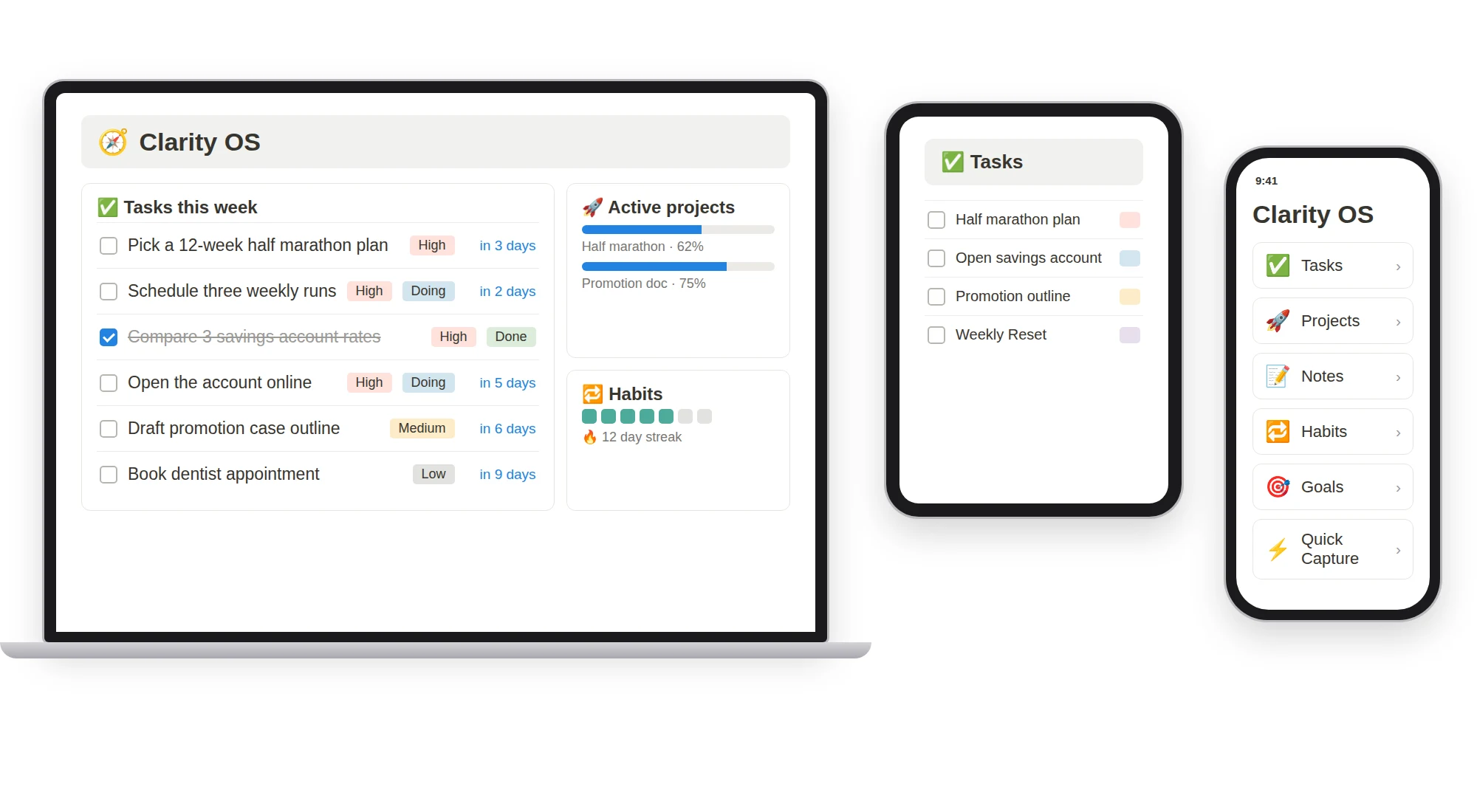
Some extras are not part of the base system and are offered separately, such as an icon and cover pack and larger finance and study packs. This page only describes what the base system includes.
Compare any template you consider against the five-point check, and choose the ones that serve a job you already do.