How to Organize Your Life: A Simple 6-Step System
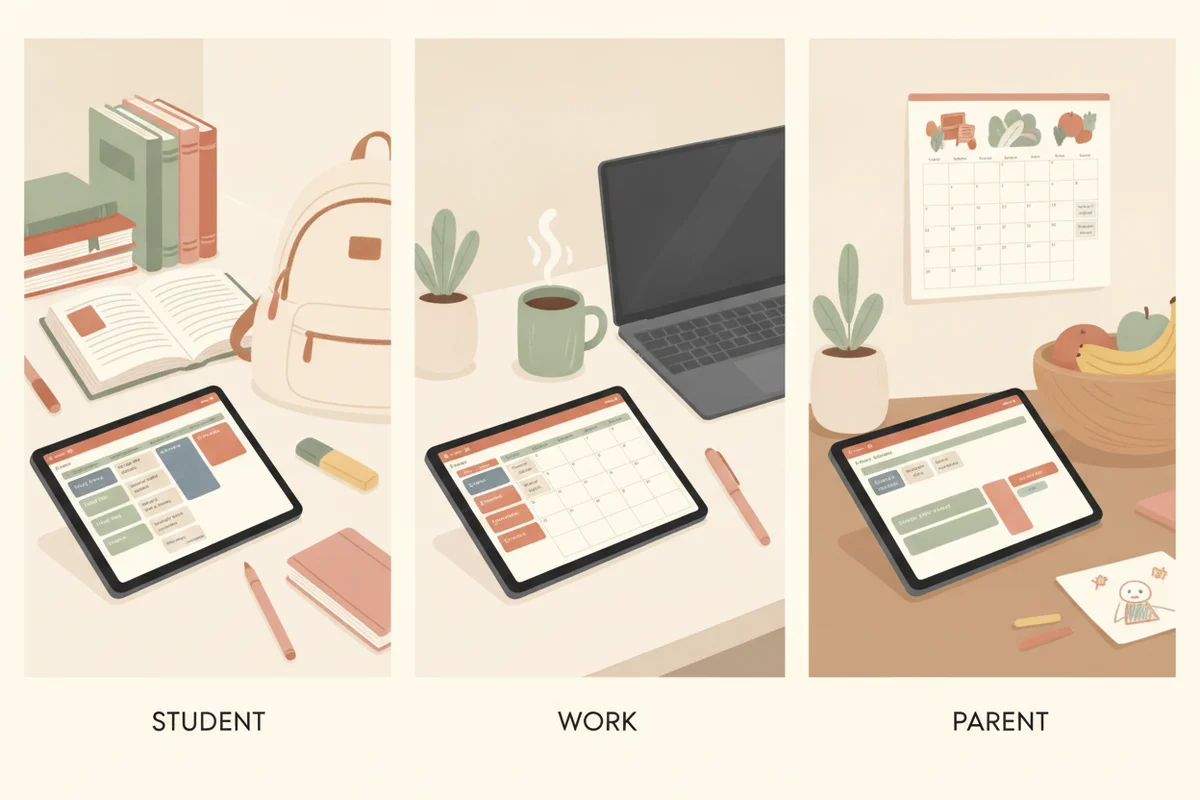
To organize your life, you do not need a new personality or a perfect color-coded setup. You need one place for everything you owe, a short list of what matters, and a rhythm that brings the two together every week. The six steps below work with paper, apps or a hyperlinked PDF. Do them in order the first time, then keep only the parts you actually use.
Why "organized" feels so hard
Most disorganization is not laziness. It is too many open loops held in memory: the form to send, the gift to buy, the appointment to book, the drawer to clear. Each one takes a little attention just by existing. Adding a new app or a prettier notebook does not close any of them. Getting them out of your head and into a trusted system does.
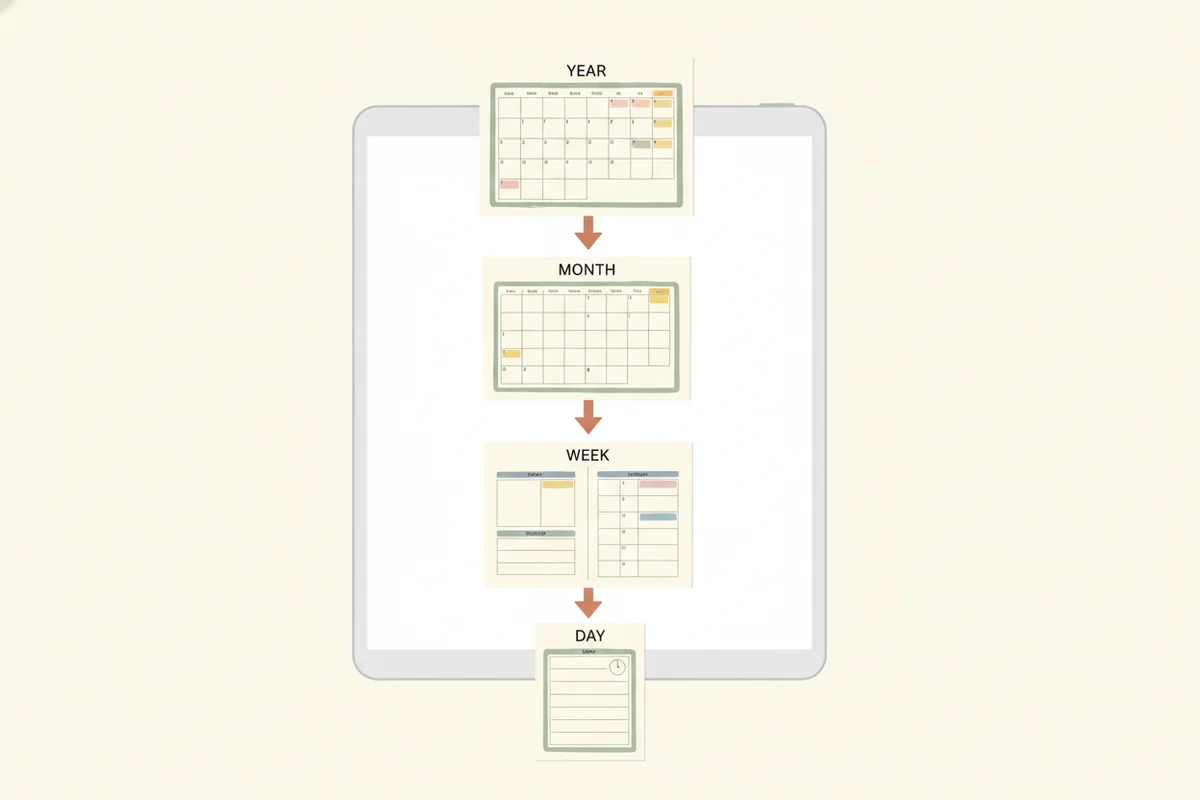
A second problem is scale. People plan the whole year in one burst, then discover the plan does not survive a normal Tuesday. A good system works at three zoom levels: the year (what are the big goals?), the week (what is realistic?) and the day (what is the one thing that must happen?).
Step 1: Empty your head
Set a timer for 15 minutes and write down everything on your mind: tasks, ideas, worries, things you are waiting for. Do not sort, do not judge, do not delete duplicates. This is a brain dump, and it is the fastest way to see how much you are really carrying. If you want a layout for it, see the brain dump template guide.
Step 2: Sort into five buckets
Go through the list once and put each item in exactly one bucket:
| Bucket | What goes in it | Where it lives |
|---|---|---|
| Do this week | Real tasks with a realistic window | Your weekly page |
| Has a date | Appointments, deadlines, birthdays | Your calendar or monthly page |
| Someday | Ideas you do not want to lose | A "someday" list you review monthly |
| Waiting on | Things other people owe you | A short follow-up list |
| Not mine / not needed | Old worries and expired tasks | Delete it |
The "delete it" bucket is the most underused. If an item has been on your list for a year and nothing happened, it is not a task; it is guilt.
Step 3: Pick one home for your plan
Choose a single planner or system and put dates and tasks there, and nowhere else. Mixing a paper planner, three phone reminders and a sticky note on the fridge is how things fall through the cracks. If you are unsure which format fits you, read digital planner vs paper planner before you commit.
A hyperlinked digital planner makes the one-home rule easier because the year, month, week and day pages are connected by tabs. PlanBloom All-in-One Digital Planner, for example, is a dated 2027-2028 PDF with 952 pages in each of its four layouts (landscape or portrait, Monday or Sunday start), with the month tabs and every date number linked to the right page. You open it in a PDF or notes app and jump between zoom levels with a tap.
Step 4: Build a weekly rhythm
Pick a 20-minute slot once a week, ideally the same time each week, for a planning session:
- Look at next week's calendar and note fixed commitments.
- Pull 3 to 5 tasks from your "do this week" bucket.
- Put each task on a specific day, leaving gaps. A plan with no slack is a wish.
- Glance at "waiting on" and send any nudges.
- Write one sentence about what went well last week.
If you have never built this habit, how to use a planner walks through a daily and weekly routine in more detail.
Step 5: Choose a daily "top three"
Each morning (or the night before) write down the three things that would make the day a success. Not twelve; three. Everything else is a bonus. The point is not productivity theater; it is making sure the important thing is not buried under the urgent ones.
Step 6: Give your home its own system
Life admin does not stop at the front door. Meals, cleaning, chores, bills and appliance warranties pile up the same way tasks do. A household binder gives these recurring items a permanent place so they stop competing with your work tasks. The guide to a digital home management binder shows what to include. PlanBloom All-in-One Digital Planner comes with a Home Management Binder as a gift: 40 templates across 46 pages, covering cleaning routines, meal plans, family schedules, maintenance logs and contacts.
Keep it alive
A few rules that keep a system from collapsing:
- Review weekly, not daily. The weekly review is the glue. Skip the daily polish if you must, but not the review.
- Start small. One list and one calendar beat a twelve-page setup you abandon on day nine.
- Use the template that exists. Writing your own layout is procrastination in disguise. Pick a ready-made page and fill it in.
- Forgive gaps. A missed week is a reason to restart the review, not to scrap the system.
- Re-sort monthly. Every month, move stale "do this week" items back to "someday" or delete them.
What to expect
After the first brain dump and sort, most people feel lighter right away because the open loops are written down. Real change comes from repeating the weekly review for a month or two. Treat the first month as a trial: if a page stays blank for three weeks, remove it from your routine; if you keep reaching for a page, make it a permanent habit.
Where a planner fits
A planner is the container for steps 3 to 5. It does not do the sorting for you, but it makes the routine easy to repeat. PlanBloom All-in-One Digital Planner is built for that rhythm: year overview and goals pages, 24 monthly calendars with plan-and-review pages, about 105 weekly spreads and a page for each of the 730 days of 2027 and 2028, plus 120 paper templates and Student and Work packs for specific situations. Starting from a ready layout means you spend your time on the plan, not on building the planner.