How to Organize Your Life in Notion: 8 Areas and Where Everything Lives
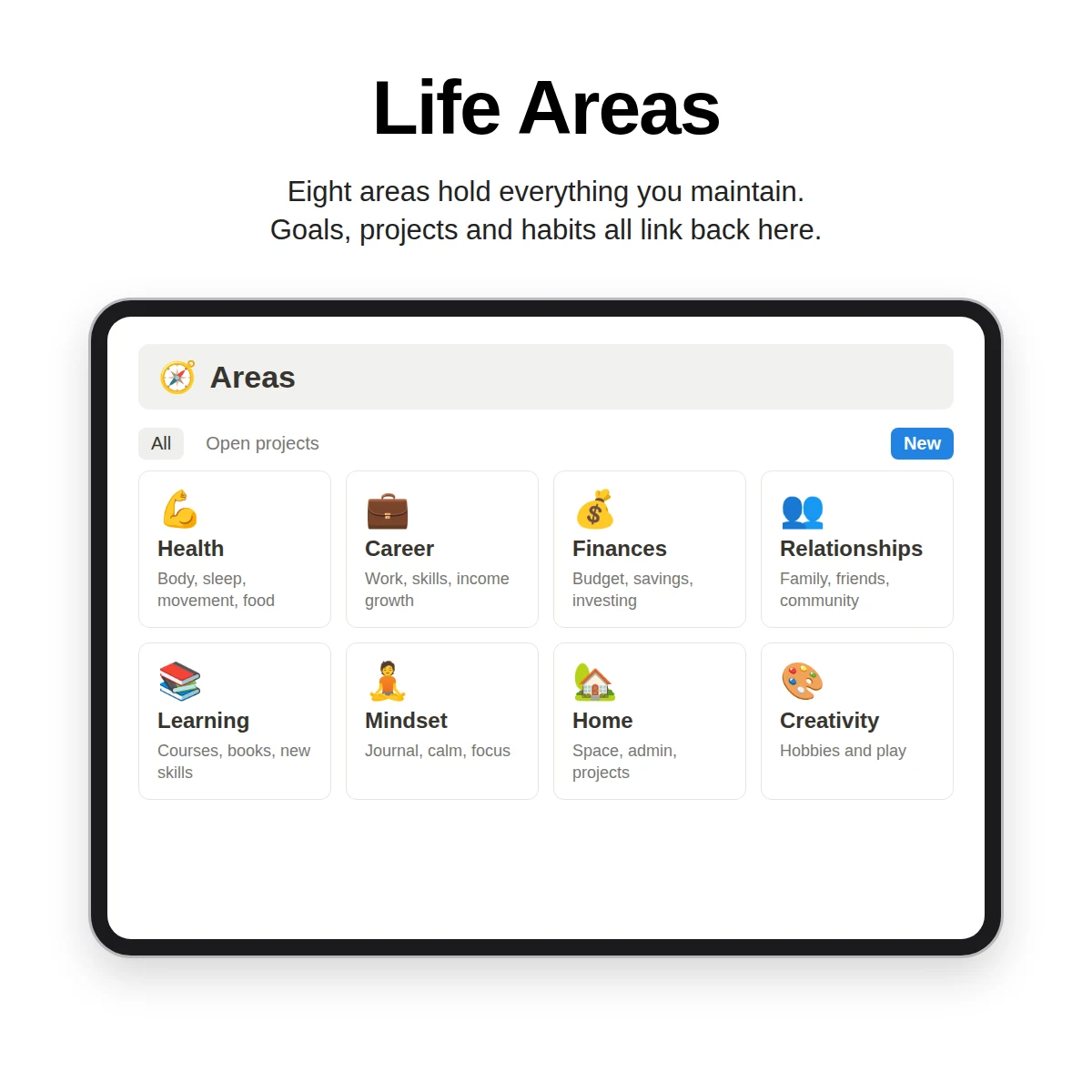
To organize your life, give every commitment a home, then make that home easy to check. Most people are not disorganized for lack of effort; they have goals in one notebook, tasks in an app, ideas in their messages and no single moment where they all meet. This guide proposes eight areas, a four-level structure, and a weekly routine, and shows how to set the system up in Notion.
Start with areas, not tasks
Task lists answer "what do I do today?" but not "is my life balanced?" Areas answer the second question. An area is an ongoing part of life that you maintain rather than finish. One common set of eight:
| Area | What lives here |
|---|---|
| Health | Body, sleep, movement, food |
| Career | Work, skills, income growth |
| Finances | Budget, savings, investing |
| Relationships | Family, friends, community |
| Learning | Courses, books, new skills |
| Home | House, admin, errands |
| Creativity | Writing, design, side projects |
| Mindset | Reflection, rest, meaning |
These are the starting areas in Clarity OS, and they are designed to be renamed. If "Creativity" does not apply to you, replace it with "Faith", "Travel" or "Parenting". What matters is that the list covers the places where you spend energy and that you can say which area any new item belongs to.
The four levels
A simple chain keeps life organized without making it complicated:
- Area: an ongoing responsibility.
- Goal: an outcome in the next three to twelve months, linked to an area.
- Project: a finite effort with an end date, linked to a goal.
- Task: a single next action, linked to a project.
Each level answers a question. Why am I doing this? Because of the goal. Which part of my life does it support? The area. What is the next step? The task. When something has no goal above it, that is information: either it belongs to an area as routine upkeep, or it may not deserve your time.
Set it up in an afternoon
Step 1: Brain-dump (15 minutes)
List everything that is on your mind: errands, worries, ideas, commitments. Do not organize, just empty your head.
Step 2: Sort into areas (15 minutes)
Place each item under one of your eight areas. Notice which areas are crowded and which are empty. That is the first useful picture of your life.
Step 3: Choose one goal per crowded area (20 minutes)
You do not need a goal for every area. Pick the two or three that matter most this quarter and write one outcome for each, with a target date.
Step 4: Create the first projects (20 minutes)
For each goal, create one project and write three tasks. Resist adding more. A system with five active projects works better than one with thirty.
Step 5: Add routines (10 minutes)
Habits attach to areas. A habit like a short walk belongs under Health; a weekly money check belongs under Finances. Keep this list short too.
Where each thing lives in Notion
| Item | Database | Links to |
|---|---|---|
| Areas | Areas | Goals, projects, habits |
| Outcomes | Goals | An area, its projects |
| Efforts | Projects | A goal, an area, its tasks |
| Next actions | Tasks | A project |
| Ideas, meetings, drafts | Notes | A project or an area |
| Links and files | Resources | An area |
| Routines | Habits | An area |
| Daily reflections | Journal | A weekly reset |
In Clarity OS, these are ten connected databases (Areas, Goals, Projects, Tasks, Notes, Resources, Habits, Reading & Watch, Weekly Reset and Journal) with 19 relations, so opening an area shows its goals, projects and habits without any manual copying. For a closer look at how the pieces connect, read the Notion Life OS guide.
The weekly check that keeps it organized
A life system fails when it is not looked at. Fix a weekly time slot of about 20 minutes:
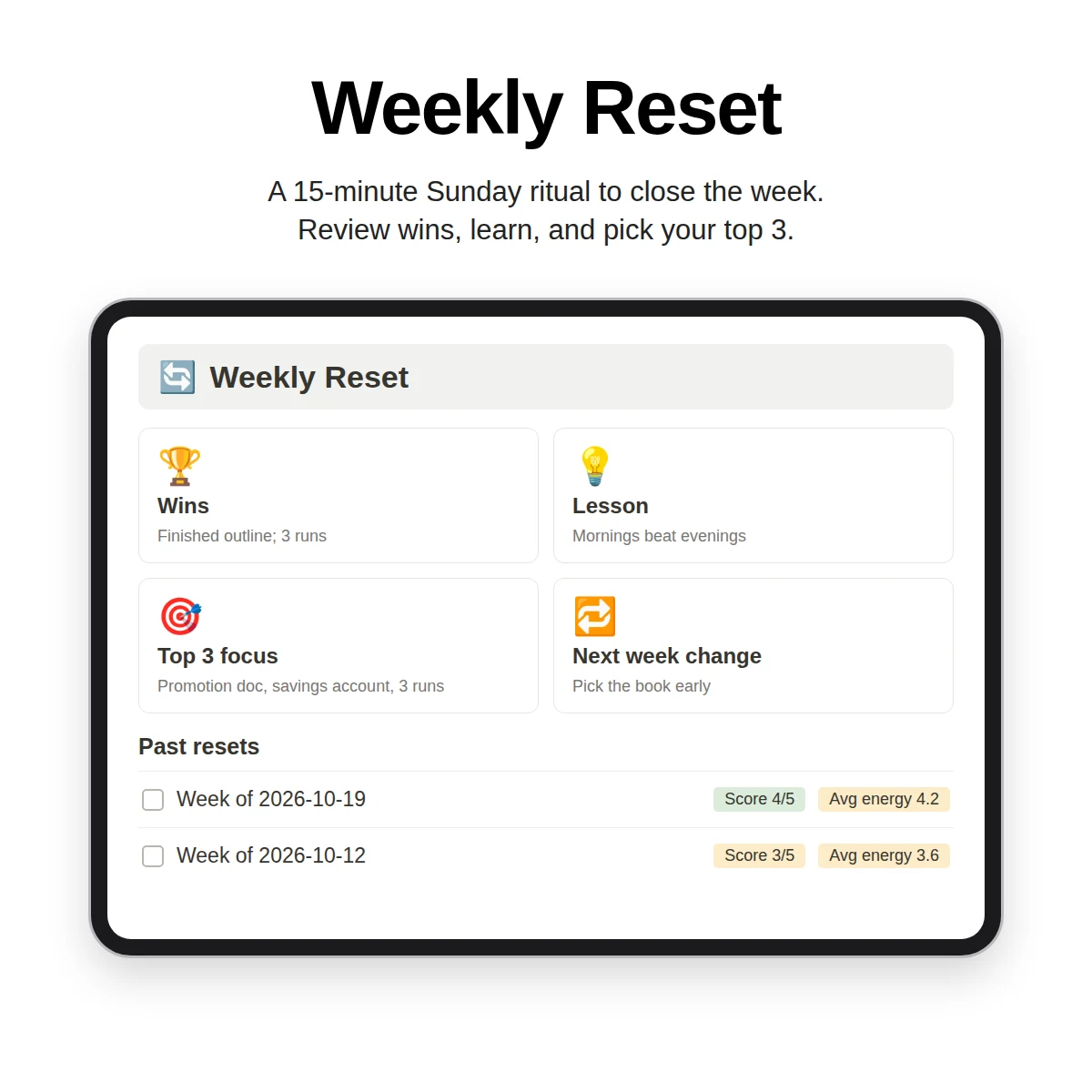
- Clear: empty the inbox of unsorted notes and tick off finished tasks.
- Review: look at active projects and move the next action of anything stuck into tasks.
- Reflect: write what went well, what you learned, and a score from one to five.
- Choose: mark up to three tasks as your focus for next week.
- Schedule: place them on your calendar.
The weekly review guide expands each step, and the Notion planner guide shows how daily, weekly, monthly and quarterly plans fit around it.
Common problems and fixes
- "Everything is a priority." Limit weekly focus to three tasks. The cap is the point.
- "I only set goals in January." Link a goal to a project within a week or it will not move. Review goals in your monthly or quarterly plan.
- "My areas overlap." That is normal. Put an item in the area where the result matters most, and use tags if you need a second view.
- "I stopped after two weeks." Shrink the system, not the commitment: fewer areas, one goal, one check-in.
Tools that help
A paper option also works: the Life Areas & Goals Workbook included with Clarity OS is a printable workbook for rating each area, setting goals and planning the next quarter, and the library has a Life Areas Dashboard template that scores each area from one to ten with a next action and review date. The full system adds a Weekly Reset database, a Journal and a Dashboard, all connected to your areas.
Organizing a life is a gradual process, not a project that ends. Start with eight areas, one goal and one weekly check, and add structure only when you feel its absence.