Notion Life OS: One Connected System Instead of a Collection of Templates
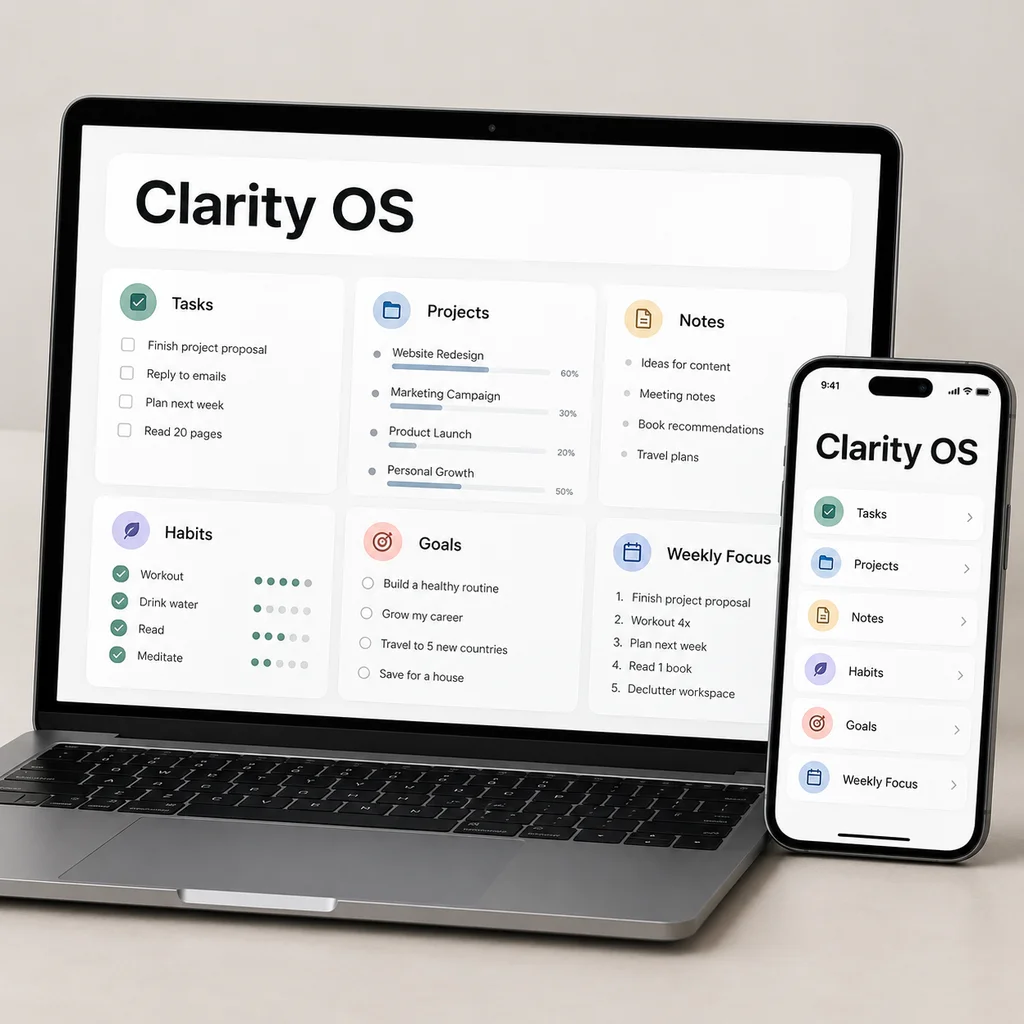
A Life OS is a connected set of databases plus a routine, not a collection of pretty pages. Search results for "Notion Life OS" are full of templates, and the difference between a good one and a bad one is rarely the design. It is whether the parts reference each other and whether you will keep using it. This guide explains what a Life OS contains, how its databases relate, and how to know when you have built one.
System versus collection
A collection of templates is a set of separate pages: a habit tracker, a budget, a reading list. Each is useful alone but none knows about the others. Your habits do not appear on your weekly review, and your goals do not know which projects exist.
A system has three properties:
- Shared structure. Everything attaches to the same set of life areas.
- Relations. Items link up (task to project, project to goal, goal to area) and down.
- A rhythm. A weekly reset and a dashboard bring everything in front of you at a set time.
If you can answer "where does this go and what does it connect to?" for every item you add, you have a system.
The core databases
A personal Life OS can be built from ten databases:
| Database | Role | Key links |
|---|---|---|
| Areas | Ongoing parts of life | Goals, projects, habits |
| Goals | Outcomes for the next 3-12 months | Area, projects |
| Projects | Finite efforts with an end | Goal, area, tasks, notes |
| Tasks | Next actions | Project |
| Notes | Ideas, meetings, drafts | Project, area, resources |
| Resources | Links and references | Area, notes |
| Habits | Routines to repeat | Area |
| Reading & Watch | Queue of books, videos, podcasts, courses | Area |
| Weekly Reset | Your weekly review | Journal entries |
| Journal | Short daily reflection | Weekly reset |
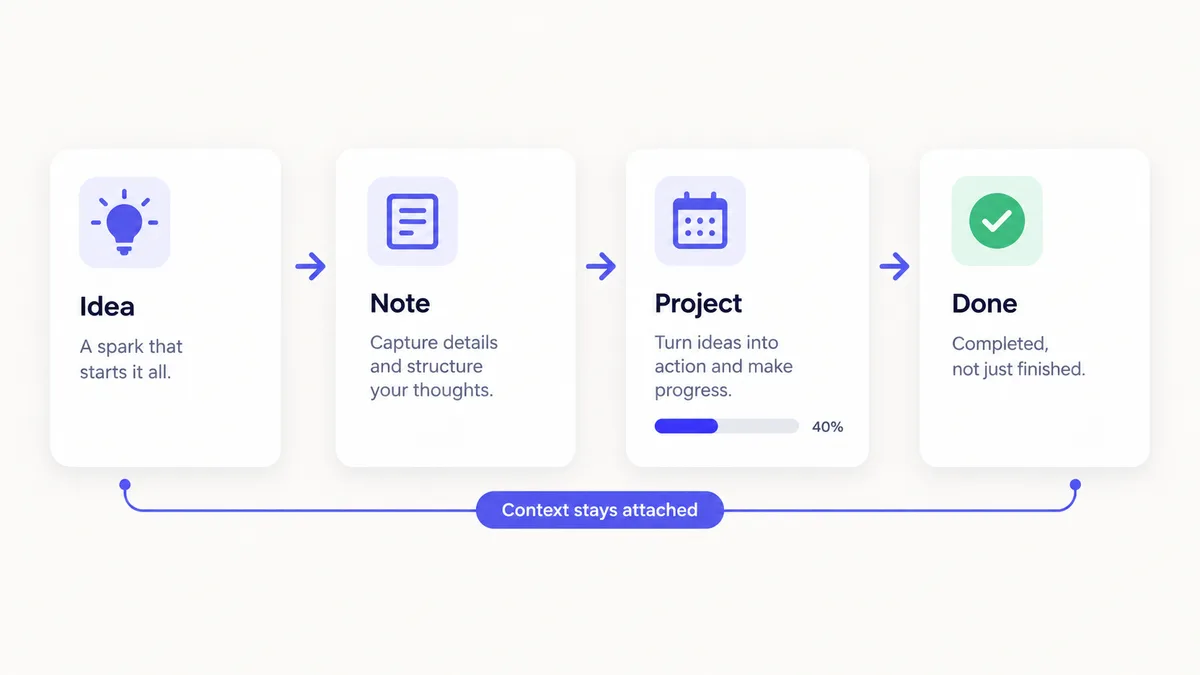
The order is deliberate. Areas, goals, projects and tasks form a spine from "what I care about" to "what I do next". Notes and resources support the spine. Habits, reading, journaling and the weekly reset surround it with routine and reflection.
How the pieces flow
Follow one example through the system:
- Area: Finances.
- Goal: Build a three-month emergency buffer by a target date.
- Project: Set up automatic transfers.
- Tasks: Open the savings account; schedule the transfer; set a monthly check.
- Habit: Check the budget every Sunday.
- Note: What you learned comparing accounts, linked to the project.
- Weekly reset: Record that the first transfer happened, and give the week a score.
Nothing here is copied between places. You change a task once, and the project, goal and area all reflect it. The Clarity OS structure has 19 relations that make this possible.
Automatic values
A system saves time by calculating things for you. These are the formulas and rollups used in Clarity OS:
- Days left on a goal: `dateBetween(prop("Target date"), now(), "days")`.
- Overdue on a task: shows a label when it is not done and the due date has passed.
- Streak badge on a habit: shows "Building" at first, then a "7+" label and a "21+" label.
- Progress on a project: calculated from its tasks.
- Average energy on a weekly reset: rolled up from the linked journal entries.
None of these require maintenance, which is the sign of a good system: it does the arithmetic so you can do the thinking.
The dashboard
The dashboard is the visible part of the system. In Clarity OS it shows six views:
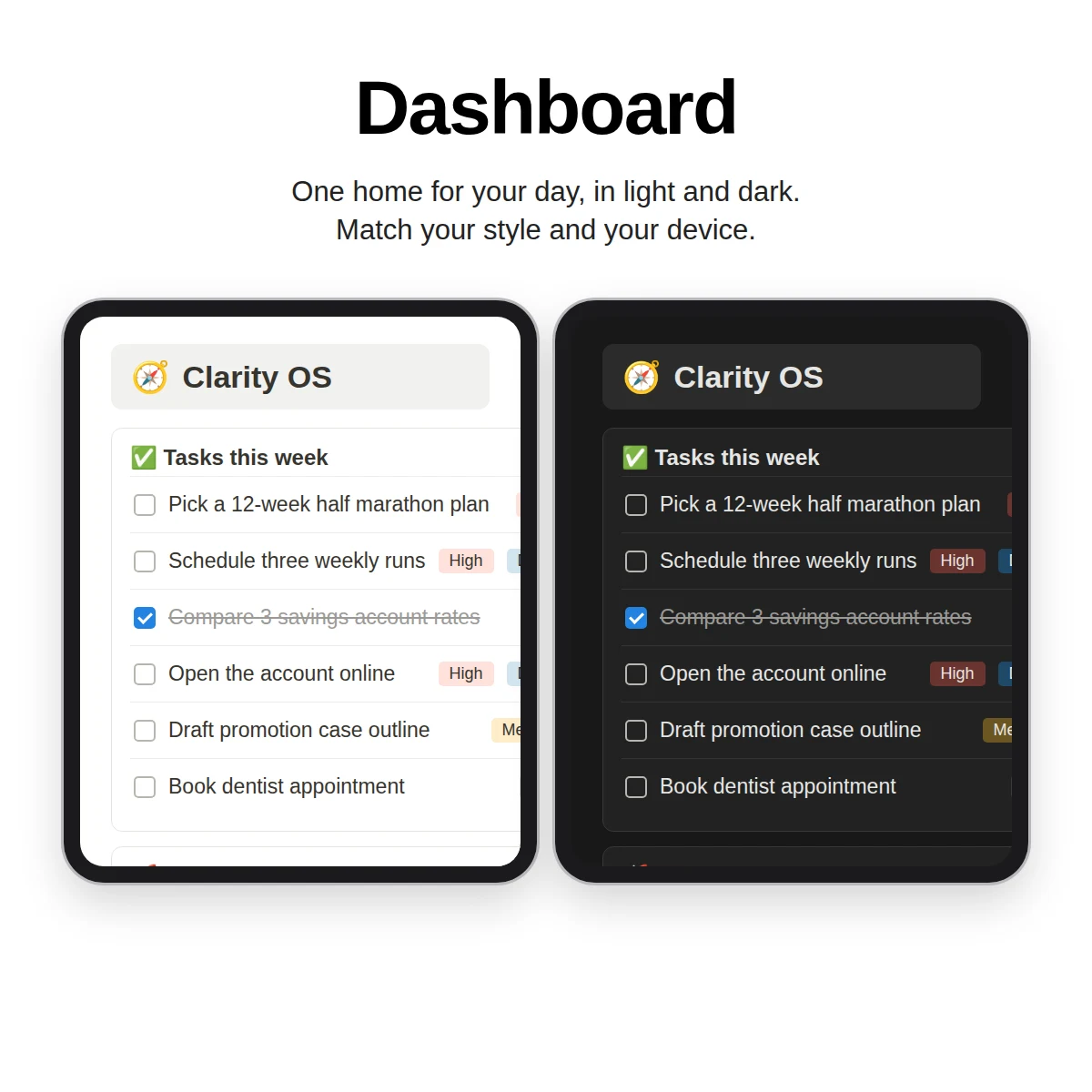
- Tasks due today or overdue
- Weekly focus tasks
- Active projects
- Habits for today
- The latest journal entries
- Your reading and watching queue
For more on what to put on this page, see the dashboard guide.
Start small: a four-database version
You do not have to build all ten databases on day one. If the full list feels heavy, a first version needs only four: Areas, Projects, Tasks and Notes. Link tasks to projects, projects to areas, and notes to projects. Run it for a month with a weekly check, and notice what is missing. Perhaps you keep forgetting a routine, which tells you to add Habits; perhaps ideas are scattered, which tells you to add Resources. Letting real gaps decide what to add is the surest way to end up with a system that fits you rather than one you must maintain. It also protects you from the most common Life OS failure: a beautiful structure with almost no data in it.
The rhythm
A Life OS depends on two recurring moments:
- Daily (5 minutes): look at today's tasks and habits; add one journal line in the evening.
- Weekly (20 minutes): run the Weekly Reset: clear the inbox, review projects, reflect, choose up to three focus tasks and schedule them.
Skip the daily moment sometimes. Do not skip the weekly one. The habit tracker guide covers the daily side and the guide to organizing your life explains the weekly side in more detail.
Signs your Life OS is working
- You know where to put a new idea without thinking.
- Your dashboard reflects the actual week.
- You review at least once a week, even briefly.
- You delete or archive things regularly.
Signs it is not
- You keep adding databases and never use the old ones.
- The dashboard has more than a screen of content.
- You rebuild the system every few months.
If you see these, remove things before adding them.
A system that is already assembled
Clarity OS packages the structure above: ten connected databases, 19 relations, a Dashboard with six views, a Quick Capture page, a Mobile Guide and a Weekly Reset ritual. It has sample rows marked "Example" so you see the system working before you fill it with your own data. It also includes a companion web app with tools such as a weekly reset, focus timer and habit tracker, along with a library of 120 page templates in eight categories.
The system matters less than the use. A small one you check every week beats a large one you admire once.