Best Planner App? Pick by How You Plan, Not Features
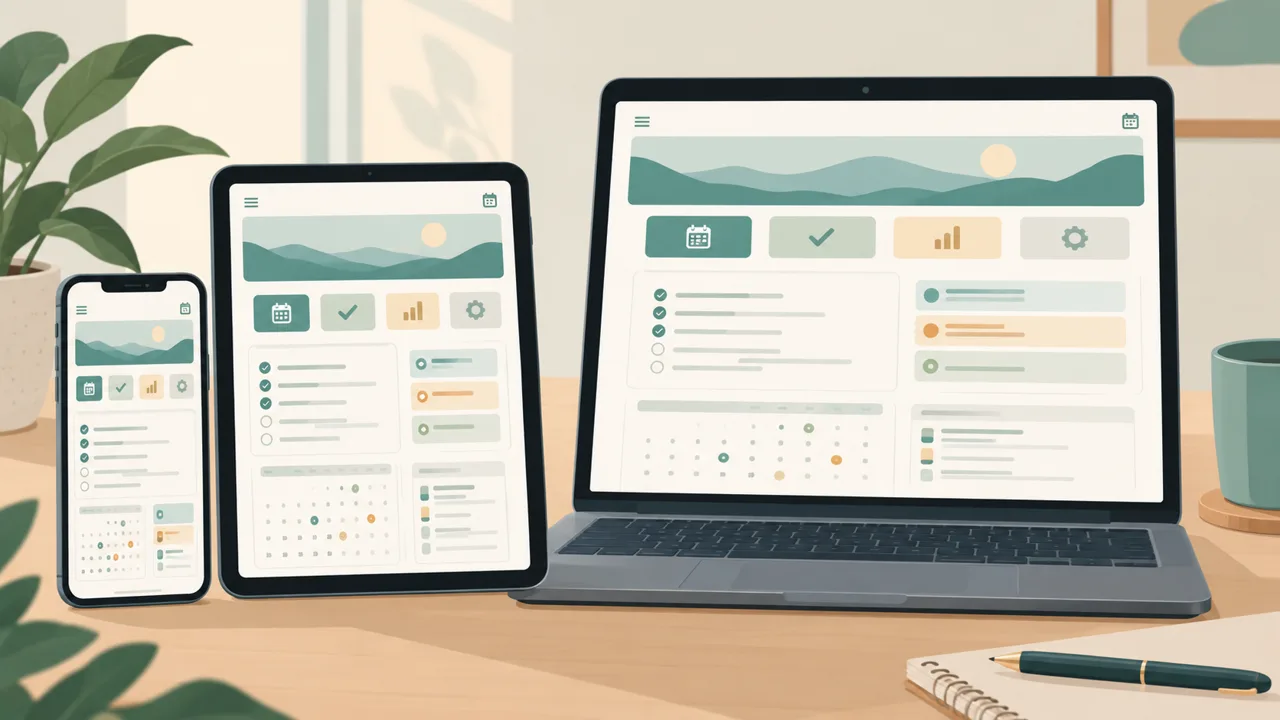
The best planner app is not the one with the longest feature list. It is the one that still has today's plan open on your phone in the fourth week. The market is full of apps that look excellent on day one. What separates them is what they do on day twenty-three, when you missed a few days and the screen is full of overdue red.
This guide compares the main kinds of planner by who they suit, gives you a five-minute test, and shows a hybrid that many people end up with. It is a comparison of types, not a ranking of brands, because the right type depends on how you think.
Five kinds of planner, compared by who they suit
1. Calendar apps
Google Calendar, Apple Calendar and similar. They are excellent at time: appointments, invites, travel times.
Best for: people whose day is mostly meetings and fixed commitments. Weak at: tasks without a time, habits, meals, goals. Anything that is not an appointment ends up elsewhere.
2. To-do list apps
Simple task managers with lists, due dates and reminders.
Best for: people who have a lot of discrete tasks and want them captured quickly. Weak at: showing the shape of a day. A list tells you what is outstanding, not how it fits into your hours.
3. All-in-one workspaces
Notion-style tools where you build your own pages and databases.
Best for: people who enjoy building systems and want to customize everything. Weak at: time to value. Building takes weekends, and many setups fade once the tinkering stops.
4. Subscription planner apps
Purpose-built daily planners with habit, meal and goal features.
Best for: people who want a polished app and don't mind a monthly bill. Weak at: ownership. When you stop paying, your pages and history can disappear.
5. Hyperlinked PDF planners
A file for GoodNotes or another notes app, with tabs and links between year, month, week and day.
Best for: people who think by handwriting, use an iPad and like to own what they buy. Weak at: automation. The PDF will not move a task forward or remind you at 5 p.m.
Why many people end up with a hybrid
Look at the strengths and weaknesses side by side. A PDF is great for thinking, and a web app is great for carry-over and quick checks. If you use one for planning and the other for glancing, the weaknesses cancel.
That is the design behind Tidewell Life Planner: a hyperlinked PDF for GoodNotes and iPad, plus a web planner for phone and laptop, sold together as one payment. You plan by hand on Sunday and check the day on your phone on Tuesday.
What to look for in a planner app
It shows today first. The first screen should answer "what is the day?" without a tap.
It forgives. Unfinished tasks move forward without punishment. Habits should have their own rhythms, so a rest day does not wreck a streak.
It covers more than tasks. Meals, habits, goals and a quick check-in belong next to the schedule if you want one system.
It works offline. A planner you can't open on the train is half a planner.
It lets you leave. Export, download, own your file. A tool you can walk away from is a tool you can trust.
It does not need a tutorial. If the first hour is spent learning the app, you will not keep it.
It fits your devices. If you use an iPad and a phone, check both. If you write with a pencil, check how handwriting feels.
A five-minute test
Before committing to any planner, run this.
- Add three things for today in under a minute. If it is slow, it will be abandoned.
- Skip a day. Come back and see what the app shows. Is it a pile of shame, or a calm list?
- Plan a week of dinners. Does it build a shopping list?
- Open it on your phone. Can you find today in two taps?
- Look for the exit. Where is export? Is there a paywall for your own data?
If a planner passes four out of five, keep it. If it fails the second, move on: that test predicts abandonment better than any feature.
Who should choose what
You are an iPad person who writes by hand. Start with a hyperlinked PDF. Add a web planner for phone checks.
You live in your calendar. Keep your calendar app, and add a planner that handles tasks, habits and meals. Several planners can show calendar events alongside; the Tidewell web planner connects to Google Calendar and can read an Apple Calendar link.
You love to build. An all-in-one workspace is fun, but set a limit: a weekend to build, a month to test, then stop tweaking.
You hate subscriptions. Look for a single payment and a downloadable file. Check the refund terms before you buy.
You run a household. Look for meal planning with a shopping list, routines and a family-friendly schedule. The planner for busy moms guide goes deeper on that.
You are a teacher or student. You need timetables, marking or study pages. The digital teacher planner guide and the digital student planner guide cover what to check.
What Tidewell Life Planner offers
Tidewell Life Planner is the hybrid in one purchase:
- A day dashboard with schedule, top three, tasks, habits and meals.
- A web planner where dated tasks appear on their day, unfinished tasks move to today, habits track at their own frequency and the weekly meal plan builds a shopping list. It works offline and runs on phones, tablets and laptops, with light and dark themes and nine colors.
- A hyperlinked PDF for GoodNotes and iPad, with year, month, week and day pages, and a Season Reset page.
- Google Calendar in the web planner and an Apple Calendar link.
Extra systems are sold separately: a Teacher & Student Edition, a Mom & Home System and a Money Dashboard. You pay once, there is no subscription, and a 365-day money-back guarantee gives you a full year to find out.
Mistakes when choosing
Picking by the screenshot. Beautiful covers say nothing about day twenty-three.
Starting too many apps. Test one at a time, for two weeks each.
Ignoring how you work. If you think by handwriting, a typing-first app will fight you.
Forgetting the exit. Before you invest your data, check how to get it out.
Looking for motivation in the app. A planner provides structure. Motivation comes from seeing small things get done.
The honest summary
No single app wins for everyone. A calendar app is the best at time. A to-do app is the best at capture. A workspace is the best for tinkerers. A subscription app is the most polished. A linked PDF is the best for owning and handwriting. A hybrid of PDF and web planner is the best for most people who want one system for work, home and self.
For the wider picture, the life planner guide explains why one system beats five, the life planner template guide lists the pages that matter, and digital vs paper planners covers the trade-offs for paper lovers.