Digital Teacher Planner: What to Look For Before You Buy
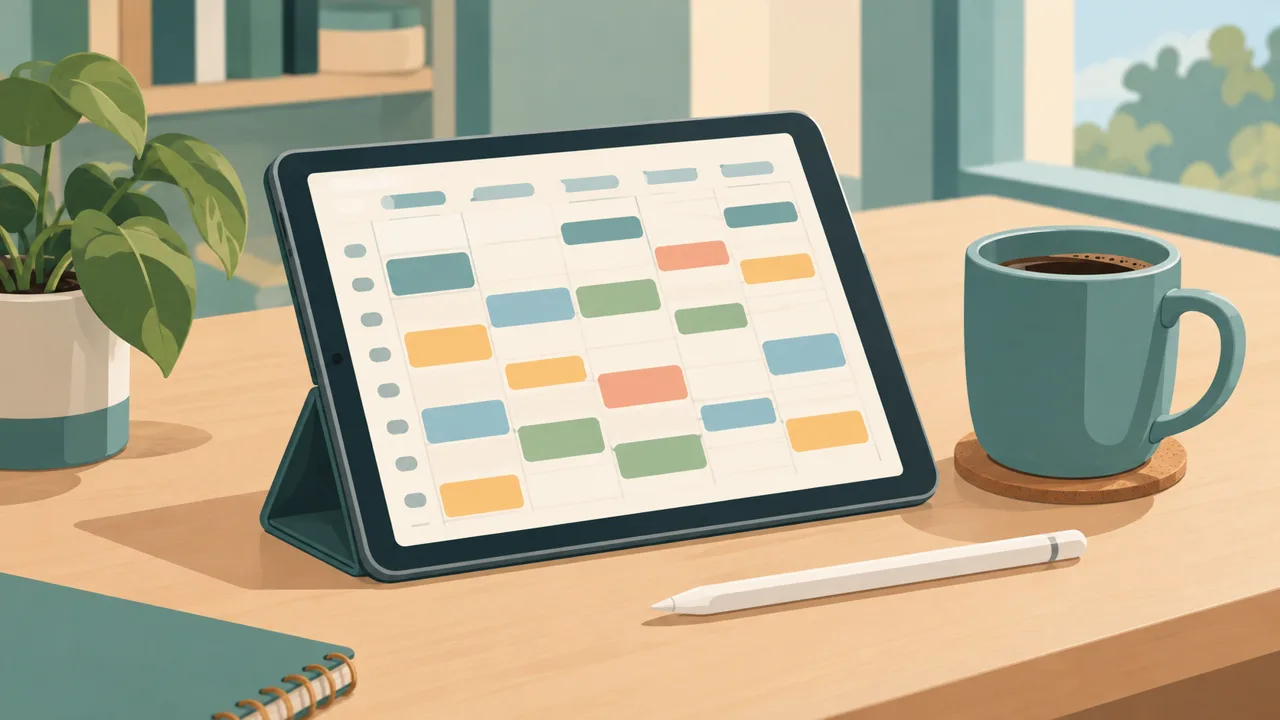
A digital teacher planner is worth buying only if it solves the three things that actually eat your week: the timetable that keeps shifting, the marking that never ends, and the rest of your life that does not stop when the bell rings. Plenty of planners look good in a screenshot. Fewer survive a real Wednesday.
This guide gives you a buyer's checklist, a way to test a planner before you commit, and an honest account of where a linked PDF plus web planner, such as Tidewell Life Planner, fits against the alternatives.
The job a teacher planner has to do
Think about what you open a planner for during a school day. It is rarely to admire it. You open it to answer one of these questions:
- Where do I need to be right now, and what am I teaching?
- What have I promised to mark, and when is it due back?
- What is the one thing I must not forget before I leave today?
- Who is covering whom, and what did I leave for them?
- What does next week look like, and where is the pressure?
A digital teacher planner is good if answering those takes seconds. It is bad if the answer is hidden under three menus or in a different app.
A buyer's checklist
1. It handles a rotating timetable. Many schools run a two-week cycle. If a planner gives you a single week, you will end up writing on top of it. Look for one- and two-week timetables, with periods, rooms and classes.
2. Lessons are linked to the timetable. Tapping a period should take you to the lesson. If you have to scroll to find it, you will stop using it by half-term.
3. Marking is visible as time, not just a list. The best marking pages show when work is collected, when it must be returned, and how many hours it will take, so you can see a bad week coming.
4. It goes beyond school. Teachers who have a separate system for home and for work end up with two sets of reminders. A planner that includes habits, meals and personal goals keeps you from double booking yourself.
5. You own the file. A downloadable PDF stays yours. A subscription app is fine, but ask what happens to your data in a year.
6. It works offline. School wifi is not reliable. A PDF in GoodNotes opens anywhere; a good web planner keeps working with a patchy connection.
7. It does not need a login to open. A teacher with ten minutes at lunch should be able to start writing, not reset a password.
8. It is not fiddly. If you need a tutorial to add a lesson, it is the wrong tool. A daily-use planner must be faster than paper.
Three types of digital teacher planner
Plain PDF planners. Static pages you write on with a stylus. They are cheap and permanent, and with hyperlinks they feel like an app. The weakness: nothing moves by itself. If you want a task to carry over to tomorrow, you rewrite it.
Web apps. A planner in the browser, often with accounts. They move tasks, sync across devices and send reminders. The weakness: you are tied to the service, and handwriting is not their strength.
A combination. A hyperlinked PDF for writing and thinking, plus a web planner for tasks and quick checks. That is the idea behind Tidewell Life Planner: you plan by hand on the iPad, and you check the day on your phone.
What teachers actually do with a planner
It helps to be concrete. Here is a day with a combined system:
7:15, before school. Open the day dashboard on your phone. It shows your lessons for the day, three priorities, and tasks that were not finished yesterday and moved to today by themselves. You adjust one thing: swap a photocopying job to lunch.
Lunchtime. On the iPad in the staff room, you open the linked PDF, tap to Thursday's lesson, and make a handwritten note: "Needs second example on slide 4." Two taps, and you are back on the week page.
After school. You mark ten books and tick them off on the marking page. The remaining sets show the actual hours left. You write down one thing that went well and one thing to change.
Evening. You check meals for the week and the list moves to the shopping view. You do not think about school again until morning.
The point is not the tools; it is the feeling that nothing is falling through a crack.
Where Tidewell Life Planner fits
Tidewell Life Planner is a life planner first, and that is the strength for teachers. The main system gives you:
- A day dashboard with your schedule, three priorities, tasks, habits and meals together.
- Hyperlinked pages for year, month, week and day in a PDF built for GoodNotes and iPad.
- A web planner for phone and laptop, where unfinished tasks move on to today and habits keep their own rhythm.
- A Season Reset that you run at the start of each term, which is built for the cycle of autumn, spring and summer terms.
The school-specific pages, a timetable of one or two weeks, lesson blocks, marking planned in estimated hours, and cover notes, live in the Teacher & Student Edition, which is sold separately. If you already know that you want a teacher tool only, start there. If you want your lessons, your marking and your life in a single system, start with the main planner and add the edition when you are ready.
You pay once, there is no subscription, and the 365-day money-back guarantee covers a full school year.
How to test any planner in a week
Do this before you commit, whichever one you choose.
- Day one: enter your timetable and the next two weeks of fixed commitments. Time it. If it takes over twenty minutes, the setup is too heavy.
- Day two to four: use it only for today. Write everything there, even small things. Notice what you search for and cannot find.
- Day five: do a Friday review. Is it clear what moved, what did not, and what is coming? If you need a second tool for that, it is not doing its job.
- The next Monday: open it without thinking. If you reached for a sticky note instead, find out why.
A planner that survives that week is one you will use in October. A planner that doesn't is just a nice file.
Mistakes to avoid
Buying for the screenshot. Colourful covers do not mark books. Check that the structure matches your day.
Over-planning. Entering every lesson for the whole year in September is a recipe for rewriting. Plan two weeks ahead and review each Friday.
Skipping the personal pages. Teachers who track habits, meals and rest burn out less. A planner that includes them is not a distraction.
Treating it as a diary. A planner is a decision tool. Use it to decide what you do tomorrow, not to document what already happened.
Where to go next
If you are still comparing formats, the GoodNotes planner guide explains how hyperlinked planners behave on iPad, and the lesson planner template guide walks through the pages a teacher needs and how to set them up in half an hour. For the week view, see the teacher weekly planner guide.
A digital teacher planner is a bet that fifteen minutes of structure will return an hour of calm every week. Choose one that makes the structure feel light, and keep the file.