Teacher Lesson Planner Template: A Week You Can Actually Follow
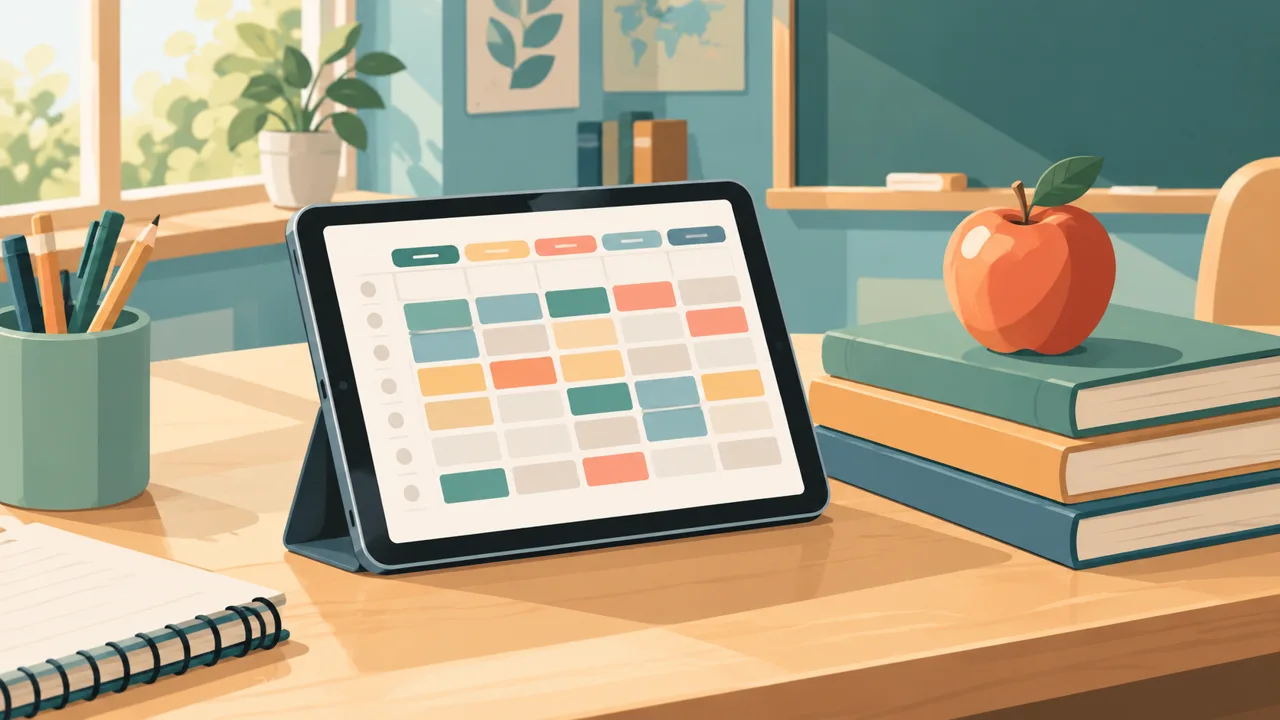
A good teacher lesson planner template does one job: it gets the week out of your head before Sunday night. Not a beautiful page, not a binder of forms. A system where the timetable, the lessons, the marking and the ordinary life that surrounds school sit in one place and point at each other.
Most teachers know what their week should look like in theory. The problem is the gap between the plan and Tuesday at 2:40, when a colleague is off sick, the photocopier is jammed, and you realize you promised parents an update. A template earns its place when it makes that gap smaller. This guide shows what to put in it, how to set it up in about thirty minutes, and where Tidewell Life Planner fits if you want the linked, digital version.
Why most lesson planner templates stop working by October
The usual story: you print or download a template in August, fill it carefully for three weeks, and then it falls behind. There are three reasons, and they are all fixable.
It records the plan, not the week. A lesson plan page tells you what you intend to teach. It does not know that Thursday's period three is a fire drill, that marking from Monday is still sitting in a bag, or that you also have a dentist appointment. When the plan lives apart from the rest of your week, you stop opening it.
It is the same size for every lesson. A routine revision lesson does not need a full page. A first lesson on a new unit does. Templates that force one size either bore you with empty boxes or squeeze the important lessons into a corner.
It has no way to move things. Teaching is mostly rescheduling. A good system lets you drag a lesson to tomorrow without rewriting it. Paper cannot do that. A linked digital file can get close, and a web planner does it properly.
The five pages every teacher template needs
You can build all of this on paper or in a PDF. This is the order in which they pay off.
1. The timetable. One or two weeks if your school runs a rotation. Periods down the side, days across the top, each slot labelled with class and room. This page is the anchor: every other page hangs from it. If you only set up one thing in the first week, make it this.
2. The lesson block. A compact box per lesson with four lines: objective, what students do, materials, and one line for "next time". Four lines is enough for most lessons. A larger version, for the one lesson each week that needs it, has space for questions, differentiation and timing.
3. The marking list. Class, task, date collected, date due back, status. The columns that matter are the last two. Marking piles are nearly always a scheduling problem more than a time problem: when you can see that three sets arrive in the same week, you move one deadline instead of working until midnight.
4. The day page. Teachers have a life outside the timetable. The day page holds the lessons, three priorities that are not teaching (a parent email, a trip form, a gym session), and a space to write what you want to remember tomorrow.
5. The term reset. At the start of each term you rebuild rather than patch. A one-page reset where you write what worked last term, what did not, and what you will do differently takes ten minutes and prevents the slow drift into chaos.
A thirty-minute setup, step by step
Do this once, ideally on the last weekend before term.
Minutes 0 to 10: the fixed week. Fill the timetable. Add duties: playground, bus, detention, staff meeting. These are non-negotiable, so they go in first and in a different colour.
Minutes 10 to 20: the first two weeks of lessons. Do not plan the whole term. Plan two weeks, in a rough way, and mark the three lessons that need real preparation. The point is to see where the pressure is, not to finish.
Minutes 20 to 25: marking calendar. List every assessment you already know about and put the hand-in dates on one page. Look for weeks with more than two big sets. Move what you can.
Minutes 25 to 30: your own weekly rhythm. Choose one evening for planning, one slot for marking that is protected, and one thing that is yours: a swim, a call, a walk. Write them on the week. If you do not plan the personal part, it is the first thing to disappear.
What a worked week looks like
Imagine a secondary teacher with five classes, form time and a Thursday after-school club.
On Sunday evening she opens the week page. The timetable is already there; she taps into Monday and writes three words per lesson in the lesson blocks. She spots that Wednesday has back-to-back lessons with no break, so she moves the photocopying to Tuesday morning and notes it as a priority. She checks the marking list, sees that Year 9 essays are due back on Friday, and schedules forty minutes on Tuesday evening and the rest on Thursday after club.
During the week she writes on the lessons themselves. "Ran out of time on part three." "Group B needed the glossary." On Friday she reads those notes, and next week's blocks change because of them. That feedback loop is the real value: the template stops being a plan and becomes a record of what happens in your classroom.
Where Tidewell Life Planner fits
Tidewell Life Planner is built around a day dashboard, with hyperlinked pages for the year, the month, the week and the day, plus a Season Reset that suits the way a school year is cut into terms. It comes as a hyperlinked PDF for GoodNotes and iPad, and as a web planner you can open on a phone or laptop. You pay once; there is no subscription.
What the main planner gives a teacher:
- A day dashboard where lessons, tasks, habits and meals sit side by side, so school is not separated from the rest of your day.
- Linked navigation: tap from the year to a month, a week, a day and back, without flipping through pages.
- A Season Reset at the start of each term to rebuild priorities rather than patch last term's plan.
- A web planner where tasks you did not finish move on to today by themselves, which suits the "I did not get to marking" reality.
The Teacher & Student Edition, sold separately, adds the school-specific layer: the timetable, lesson blocks, marking planner and study pages described above. If you only want a lesson template for the classroom, you can start with that. If you want your teaching life and your home life in one system, the main planner is the base.
Choosing paper, PDF or web
There is no right answer; there is a right answer for your week.
Paper is fast to scribble on in a corridor, but it cannot move a lesson and it is hard to search. A hyperlinked PDF on an iPad gives you handwriting plus navigation, and it keeps working without a signal. A web planner is best when you want to check the plan on your phone while standing in the staff room. Many teachers end up with the PDF for planning and the web version for checking. The same system covers both, so you do not have to choose.
If you are deciding between formats, how to use a planner walks through setting up a system you will keep, and digital vs paper planners compares them honestly.
Small habits that make the template work
Plan with a pencil, not a pen. Literally or in the app: use a colour you can erase. Schedules change.
One line of reflection per lesson. After the bell, write one word about how it went. Over a term, those words tell you what to change.
Review on Friday, plan on Sunday. Friday is for closing: move unmarked work, jot what you owe people. Sunday is for opening. Splitting the two keeps your weekend short.
Keep a "later" list. Ideas for a unit, a book to order, a display to change. If you write them down, you can stop holding them in your head during the lesson.
Protect one afternoon. Mark it in the timetable as a block with no marking and no planning. Teachers who protect one slot burn out later than teachers who don't.
Ready to build your week
If you want a lesson planner template that lives next to your calendar, habits and home life, and that you can reshape each term, take a look at Tidewell Life Planner. It is a one-time purchase, and the 365-day guarantee means you have a full school year to find out whether it fits you.