Digital Student Planner: Study Weeks That Don't Collapse
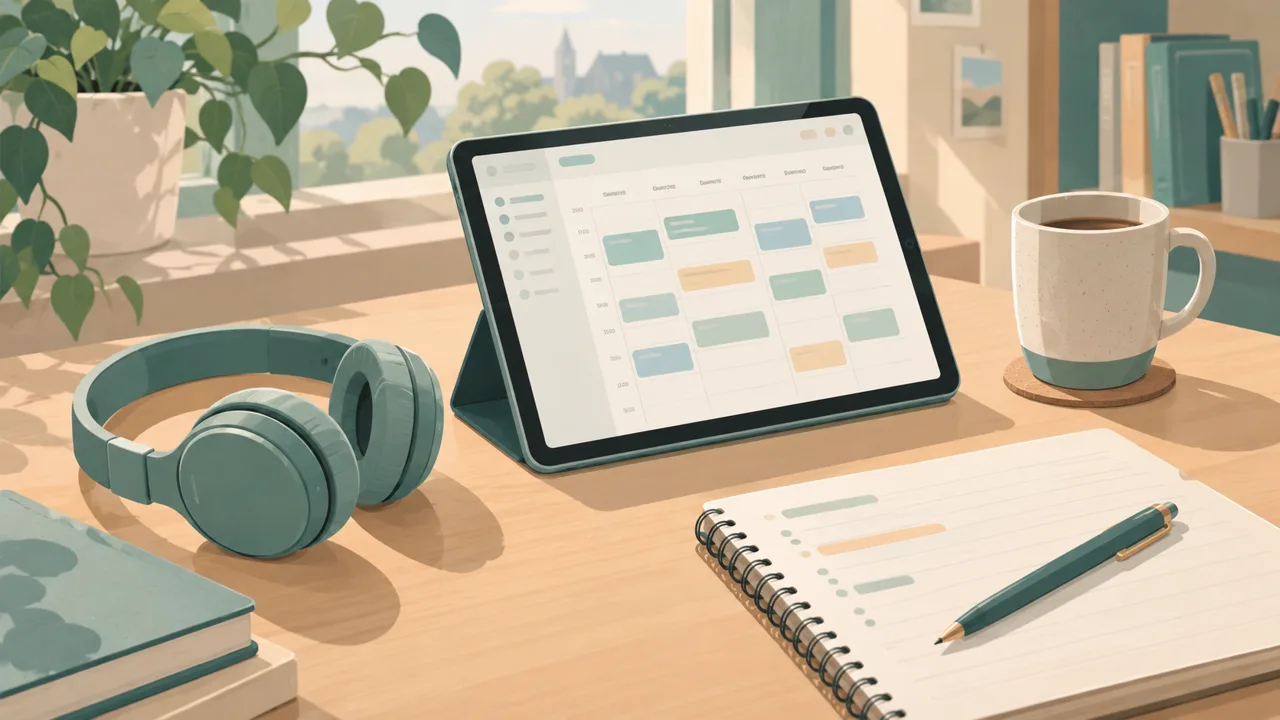
A digital student planner earns its keep in one specific moment: the week when four deadlines land and you can see them coming a month early. Everything else, the pretty covers and the color-coded timetable, is secondary to that. If a planner cannot warn you about the crunch, it is a calendar with extra steps.
This guide covers what a student planner needs, how to set one up in an evening, a weekly study rhythm that lasts, and a plan for the weeks before exams. It is written for secondary school, college and university students, and for the parents who are tired of finding out about deadlines on the day.
What goes wrong without a system
Most students do not procrastinate because they are lazy. They procrastinate because the work is vague. "Write essay" is not a task; it is a mountain with no path. And in a week with several of them, the mountains block each other.
The usual failure points:
- Deadlines live in five places. A syllabus PDF, a learning platform, a group chat, a calendar and your head.
- Big assignments are not broken down. The first step is never obvious, so you start late.
- Study time is not scheduled. If "revision" is not on the week, it does not happen.
- Sleep, exercise and food are afterthoughts. The planner covers study and ignores the things that make study work.
A good planner fixes all four.
The five parts of a student planner
1. Timetable. Classes, labs, work shifts, commute. Mark the fixed times first. It tells you where the free blocks are, and it's the base for everything else.
2. Assignment and exam tracker. Every piece of coursework with its due date, its weight, and its status. Order by due date, not by course. At a glance you see what is next, and what is heavy.
3. Weekly study plan. The week with study blocks placed inside it. A study block has a purpose: "Chapter 4 problems" is better than "Chemistry".
4. Daily view. Today's classes, top three, tasks and habits. This is what you open each morning and each evening.
5. Life layer. Sleep, exercise, meals, social plans. Not because planning your life is fun, but because students who protect those hold up better in exam season.
Break assignments down the day you get them
This single habit does more than any planner feature.
When you get a 2,000-word essay due in four weeks, do this on the same day:
- Write the due date in the tracker and the calendar.
- Split into steps with dates. Choose the question (day 3). Read sources (day 7). Outline (day 12). First draft (day 20). Edit (day 25). Submit (day 28).
- Put the first step this week. Not next week. This week.
The planner becomes a series of small, clear actions. The mountain turns into a staircase.
A weekly study rhythm
Sunday evening (twenty minutes).
- Look at the week's classes and deadlines.
- Place study blocks: two hours here, ninety minutes there.
- Pick the three things that matter most.
- Plan the week's meals and one personal thing you look forward to.
Daily (five minutes).
- Morning: open the dashboard. Look at the schedule, the top three and the tasks carried over.
- Evening: tick what's done, move what's not on purpose, and set tomorrow's top three.
Friday (ten minutes).
- What was finished, what slipped, and why?
- Start the next week's block.
The weekly review guide gives you a script for those Friday minutes, and the time management worksheet helps if you want to see where your hours really go.
A plan for exam season
Exam season is where a planner either helps or collapses. Start six weeks before.
Six weeks out. List every exam with date, time and the topics it covers. Mark them in the month view. Count backward: how many study days do you have per exam?
Four weeks out. Allocate blocks per topic. Give hard topics more blocks, and put them early. Mix subjects across the week rather than doing one all day; spaced practice sticks better.
Two weeks out. Move to practice papers. Each block ends with a question: what can I still not do? Write the answer in the planner and put it into the next block.
The last week. Keep sleep, food and breaks in the plan. A rested brain is faster than a tired one with extra hours.
After each exam. Cross it out, take the evening off, and re-plan the remaining days. The planner is your calm voice when the stress rises.
Where Tidewell Life Planner fits
Tidewell Life Planner is a life planner for people who want their classes, their habits and their ordinary days in the same place. It comes as a hyperlinked PDF for GoodNotes and iPad, perfect for students who take handwritten notes on a tablet, and as a web planner for the phone and laptop. A day dashboard shows the schedule, top three, tasks, habits and meals together; unfinished tasks move to today by themselves; and a Season Reset helps you start each semester with a clean plan.
The Teacher & Student Edition, sold separately, adds study pages: a timetable, assignment planning and a study planner. If you only want the student layer, begin there. If you want a planner that also covers meals, habits and money, start with the main system.
It is a single payment. There is no subscription, and the 365-day guarantee covers a full academic year.
Mistakes students make with planners
Planning only deadlines. A due-date list shows what's late. A study plan shows what to do today.
Over-engineering. Seven colors and four trackers are a hobby, not a system. Start plain.
Skipping rest. If sleep is not in the plan, it will not happen.
Ignoring weight. A 5 percent quiz and a 40 percent project should not get the same attention. Mark the weight in the tracker.
Abandoning it after a bad week. Everyone falls behind. The Friday review and the Season Reset exist so you can restart without guilt.
For parents helping a student
If you support a student at home, the useful questions are small ones. "What's due this week?" is better than "How's school?". Sit together on Sunday for ten minutes and look at the week; the aim is to give the student the habit, not to run the plan for them. If they work on an iPad, a linked PDF keeps everything in one place and avoids the "I lost the paper" excuse.
Getting started tonight
- Enter your timetable.
- List every deadline and exam you know of, with weight.
- Break the next two assignments into dated steps.
- Place three study blocks this week.
- Open the dashboard tomorrow morning and set your top three.
That is thirty minutes of work, and it changes the next four weeks. If you are teaching rather than studying, the digital lesson planner guide covers the same ideas from the other side of the desk, and the life planner guide shows how a student planner fits into a wider system.