One-Time Purchase Digital Planner vs Subscription
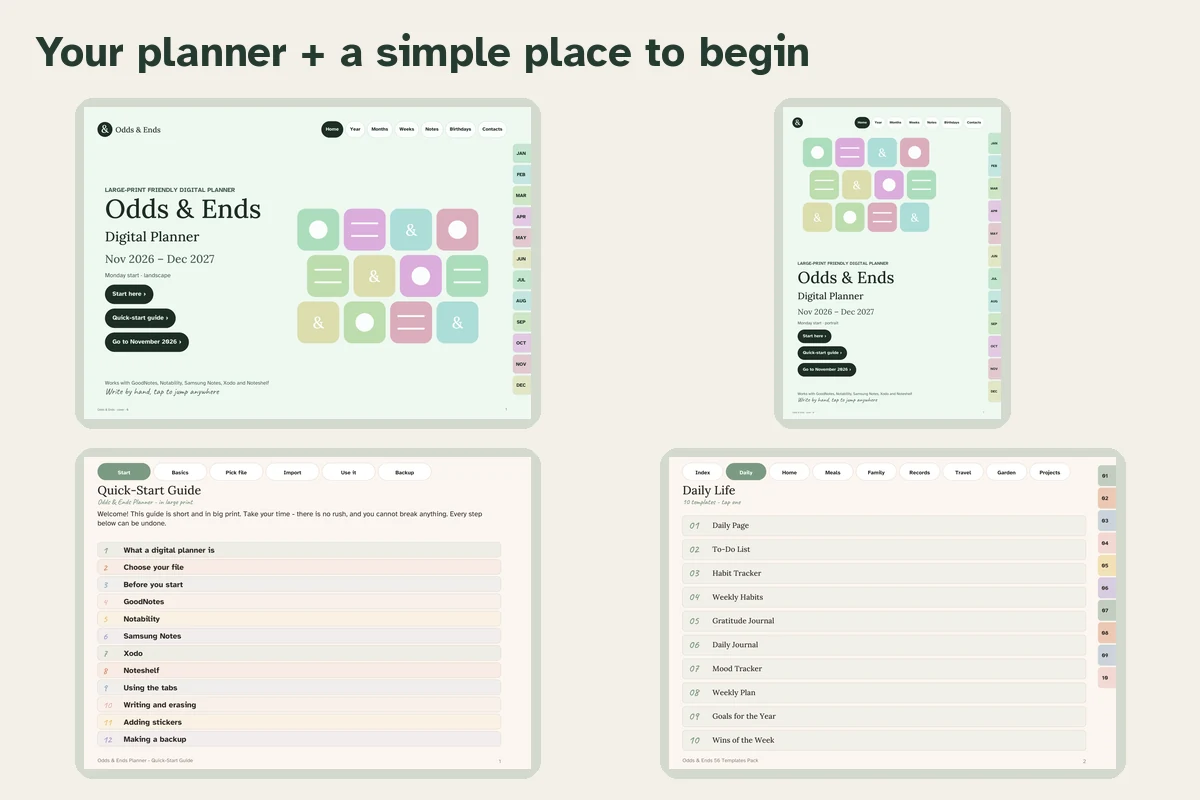
A one-time purchase digital planner is a file you buy once and keep; a subscription is a service you rent. The difference is small on the first day and large in the third year. Before you commit, it is worth looking at what each model really costs and what you are left with when you stop paying.
How the two models work
Subscription planners and planner apps charge monthly or yearly. You usually get an app with templates and sync across devices. If you cancel, the app or its premium features may stop working, and your pages may be locked or hard to export.
One-time purchase planners are usually PDFs. You pay once, download the files and import them into a note-taking app you already have. Your pages are your own files. There is no sync built in, but there is also nothing to expire.
The three-year picture
Say a planner subscription costs about the price of a coffee a week. Over three years that is a few hundred dollars. A one-time planner is $36.99 once. Even if you buy a new edition each year, you may spend less than a single year of most subscriptions.
| Subscription | One-time PDF | |
|---|---|---|
| Year 1 | Recurring fee | $36.99 once |
| Year 2 | Same fee again | Nothing, or a new edition if you want one |
| Year 3 | Same fee again | Nothing |
| If you stop | Access may end | You keep the files |
| Sync across devices | Often included | Via your app or cloud folder |
| Alerts | Often included | Use your device calendar |
Subscriptions are not a bad choice for everyone. If you value instant sync, shared lists with family or automatic reminders, a subscription earns its price. If you simply want a good place to write, it is a poor trade.
What a one-time planner must include to be worth it
A single payment is only a good deal if the product is complete. Check these points:
- How many files. Odds & Ends Digital Planner includes 56 PDFs in three groups: 40 standard dated, 8 Large Print dated and 8 undated. You choose the layout and color you like.
- What the dates are. Dated files here run from November 2026 through December 2027, so you get a full year plus the end of 2026. Undated files can be reused.
- What the pages are. 20 sections and 41 templates, from the weekly pages to Birthdays & Anniversaries, Appointments, Contacts and Home & Bills.
- Setup help. A Quick-Start Guide in large print for GoodNotes, Notability, Samsung Notes, Xodo and Noteshelf.
- What it does not do. No alerts, no sync, no automatic payments. Be sure that suits you.
Reuse is where the value is
An undated PDF can be duplicated every year. Keep a blank master, duplicate it each January and write in the dates. That means one purchase can support years of use, a point explained in the undated setup guide. If you prefer the convenience of printed dates, dated editions for later years are a separate choice later, not something the first purchase promises.
Ownership and privacy
With a PDF, your handwriting lives in your own app, on your device or in your own cloud folder. You are not dependent on a company's servers or its decisions about pricing. For personal pages such as birthdays and contacts, many people prefer that.
Questions to ask any seller
- Is there a recurring charge anywhere, including for the app?
- Can I re-download the files if I change tablets?
- Which apps does the seller actually mention and support?
- Are the dates, the page count and the sections listed plainly?
- What is not included?
If a listing answers these in a few sentences, that is a good sign. If it avoids them, ask before you buy.
What you still need
A one-time planner needs a device and an app that can open a PDF and write on it. Most tablets have one, paid or included. The cost of the app is separate from the planner; check what the app you choose costs. The Quick-Start Guide covers several, so you can choose by your device.
When a subscription is the better call
If you want a shared family calendar that updates on everyone's phone, a subscription calendar app is the right tool, and you can use a PDF planner alongside it for the handwritten side of planning. For the planning itself, many people prefer a stable page that does not change when the company updates its design.
Next, see what the bundle contains to check the file list, the senior-friendly checklist for comfort and setup, and how the links in a PDF planner work.