ADHD Digital Planner: What to Look For
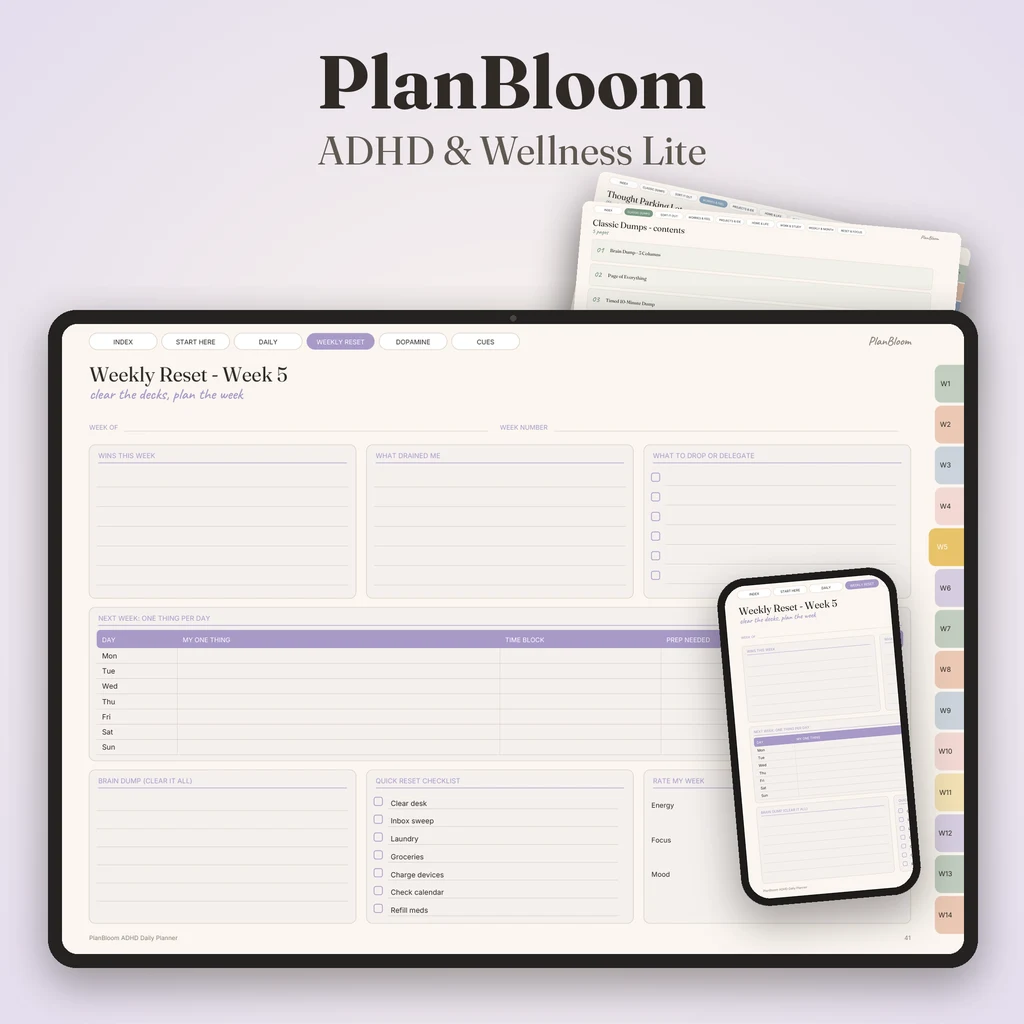
The best digital planner for ADHD is one with a small number of steps: a single priority for the day, time blocks with buffer, a place to park stray thoughts and a weekly reset that wipes the slate. Features matter less than friction. If opening the planner and finding the right page takes more than a couple of taps, it will not get used. This guide lists what to look for and what to skip.
Please note: this is a guide to planner layouts, not medical advice. A planner does not diagnose or treat ADHD. If attention difficulties affect your work, school or home life, a qualified professional can help.
Why planning styles differ
Many people who find standard planners hard report the same issues: too many boxes, rigid hour-by-hour schedules, a missed day that feels like failure and no obvious starting point. Planners built with those people in mind tend to be simpler, more forgiving and more visual. You do not need the "ADHD" label on the cover for a planner to work this way; you need the right features.
What to look for
One clear priority
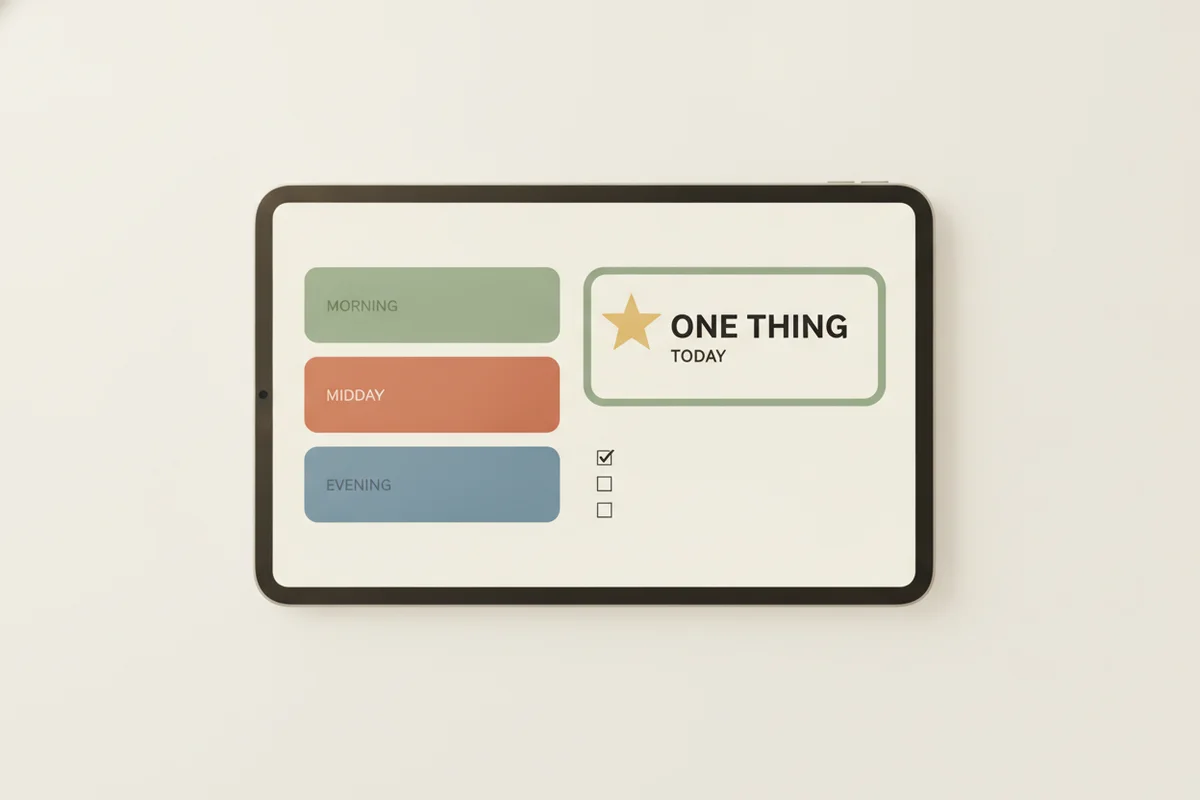
A section titled "my one thing" or "top 3" makes the day's most important task obvious. If everything looks equal, nothing gets started.
Quick capture
You need a place to dump thoughts without breaking focus, such as a "parking lot" box on the day page or a separate notes page one tap away. Read the brain dump guide for a layout.
Few taps to everything
Hyperlinked navigation matters most for digital planners. Tabs for each month, linked date numbers, and a top bar that goes to the index, year and notes reduce the effort of finding a page. What is a digital planner explains how this works.
Undated pages
If you often skip days, an undated planner is forgiving because you write the date as you go and never face a row of blank, overdue days. A dated planner is fine if skipped days don't bother you.
Time blocks with buffers
Hour-by-hour grids can be useful for seeing time passing, but pair them with buffer time. Leave gaps around appointments and transitions.
A weekly reset
A weekly page where you list wins, what to drop and the next week's top task per day is more important than daily polish. This is the page that makes a fresh start easy after a messy week.
Visual progress
Checkboxes, habit grids and streaks give a quick sense of progress. Choose a planner whose layout you find calm to look at.
Low guilt
No "overdue" labels, no huge empty pages and no features that make you feel behind.
What to avoid
- Overly complex systems. Multi-color, multi-layer systems take longer to maintain than to use.
- Rigid daily templates. If you cannot rearrange, you will stop.
- Features that rely on daily use. Streak counters that reset to zero can discourage.
- Notifications and apps full of distractions. Digital tools should help you focus, not compete for attention.
A simple daily routine
- Morning: write your one priority and two supporting tasks.
- Block time: put the priority in a time block with a buffer after it.
- During the day: park stray thoughts on the notes area.
- Evening: tick what is done; choose tomorrow's priority.
On the weekend, do the weekly reset: wins, what to drop, next week's priority per day.
What a general planner offers, and what is separate
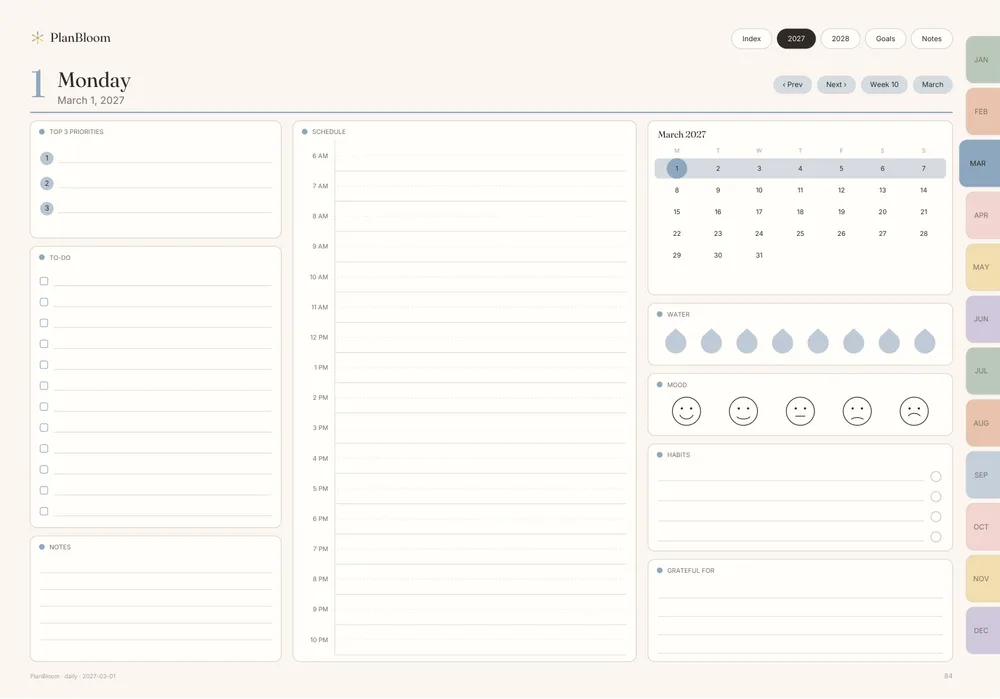
PlanBloom All-in-One Digital Planner is an all-in-one planner, not a dedicated ADHD planner. It gives you the building blocks described above: a dated 2027-2028 planner and an undated planner (481 pages) so you can start on any day, daily pages with linked navigation, notes pages, 48 tabbed notebooks, 120 paper templates, and a Companion web app with a Today view, a focus timer, a brain dump to sort tool and a 30-day habit tracker. It also includes a Home Management Binder as a gift.
A dedicated ADHD Daily Planner (120 pages) with energy checks and a dopamine menu is part of a separate paid bundle, not included in the main planner. Many people start with the general planner and add a specialized layout later if they want one.
Tips for the first month
- Start with the weekly reset only. Add the daily page once that habit is stable.
- Use a timer for the first step. Five minutes to start a task is an easier ask than finishing it.
- Try body doubling. Working alongside someone, in person or online, helps some people begin tasks.
- Pick a regular place. Open the planner at the same time and place each day.
- Review what you skip. If you never use a section, remove it from your routine.
For cleaning and household routines, see the ADHD cleaning planner guide. For general habits that apply to any planner, read how to use a planner.
Bottom line
Choose the simplest planner that gives you a single daily priority, a place to park thoughts and a weekly reset, and judge it after a few weeks of real use. If it needs to be fancy to be useful, it is the wrong one.
Setting up your first week
On day one, don't try to fill the whole planner. Open it, tap to the current week and do only three things: write the fixed appointments, choose one priority for tomorrow and park the swirl of loose tasks on a notes page. On day two, repeat. At the end of the week, do the reset: what worked, what to drop, and one priority for each day of the next week. By day seven, you've used four layers of the planner, and each took only a few minutes.
Questions to ask a seller
- Are the links real, and how were they tested?
- Does the file work in the app I use, and what is said about link support?
- Is there an undated version?
- Does the listing avoid medical claims about what the planner does?
- What is included and what is sold separately?
A seller who answers plainly, and doesn't promise to fix attention problems, is a good sign.