Teacher Planner Printable vs Digital: Which Wins?
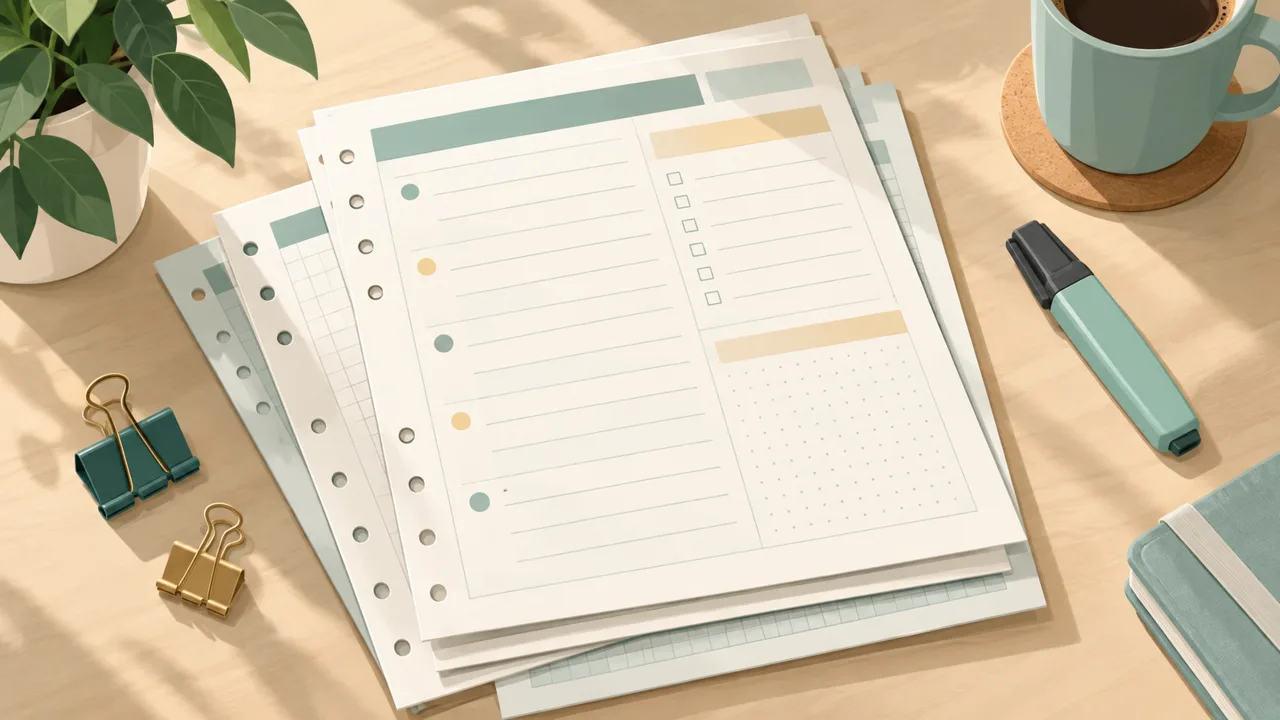
A teacher planner printable is the lowest-risk way to start, and for some teachers it's the right place to stay. You download, print, punch holes and get going. No battery, no login, no one asking you to update an app. That simplicity is why printables dominate every August.
It is also why many of them are abandoned by October. This guide compares printables with digital planners honestly, and shows a hybrid setup that keeps the good parts of paper while fixing the parts that make a printed planner fall apart.
What a printable does well
It is fast. Pen, page, done. In a corridor or during a staff meeting, nothing beats paper for speed.
It does not distract you. There are no notifications on a printed page. For people who find their phone a trap, that is a real benefit.
It is cheap to start. A PDF and a printer are enough.
It feels good. Writing by hand helps memory, and a well-kept planner is satisfying.
What a printable does badly
It cannot move things. A lesson that shifts to tomorrow has to be rewritten. Over a term, that adds up to hours.
It is a single copy. If you leave it in the car, you have no week. If you spill coffee on it, the term is gone.
Printing is a project. A year of pages is hundreds of sheets, plus ink and a binder. Many teachers print half and run out of steam.
It is not searchable. You can't find which Tuesday you noted a safeguarding follow-up.
It does not connect to the rest of your life. Your teaching planner, your home calendar and your shopping list live in three places.
What digital does well
It moves. Tasks you did not finish carry over; lessons shift; the week reshapes with a tap.
It links. In a hyperlinked planner, you tap from a month to a week to a day to a lesson and back. There is no flipping.
It is always with you. On a phone, a laptop and an iPad, the plan is wherever you are.
It is searchable and backed up. A file you keep in the cloud survives a spilled coffee.
What digital does badly
Handwriting needs a tablet. If you don't own an iPad and stylus, the experience is typing, which some teachers find slower.
Screens are distracting. The same device that holds your planner holds your messages.
It can be fiddly. A planner that needs a tutorial is not helping.
The decision in one table (in words)
If your priority is speed on the move and no screens, choose a printable. If your priority is flexibility, search and one system for work and home, choose digital. If you want both, use the hybrid below.
The hybrid that works for many teachers
The pattern is simple: digital is the master, paper is the handout.
- Plan digitally. On Sunday, open the week on the iPad or laptop, set priorities, place marking, move last week's leftovers.
- Print what you need to see. Print the weekly page or your marking list. Pin it above your desk or tuck it into your lanyard folder.
- Write on the print during the week. Quick scribbles, ticks, names.
- Close digitally on Friday. Update the master from the paper, move unfinished items, and note what to change.
That workflow gives you the glance-ability of paper with the movement of digital. It only takes a minute more.
What to print and what not to
Print:
- The timetable (one or two weeks), for the cover of a folder.
- The weekly spread, for the desk.
- The marking list, with due dates.
- A seating plan or class list, if you use them in a hurry.
Do not print:
- Every daily page of the year. You'll never use them all.
- Lesson plans for units you haven't started.
- Pages you only look at once a term. Keep those digital.
How Tidewell Life Planner handles printing
Tidewell Life Planner is a hyperlinked PDF for GoodNotes and iPad, plus a web planner for phone and laptop. Both can be printed in part. The PDF prints page by page, and the web planner has a print-page option for a single view, such as the week or a task list. That lets you work in the format you prefer without being locked in.
The main system includes a day dashboard, year, month, week and day pages, and a Season Reset for the start of each term. The Teacher & Student Edition, sold separately, adds a timetable, lesson blocks, marking planned in estimated hours and cover notes. If you want printable teacher pages, the edition is the place to look; the main planner is the better home for the day-to-day life around them.
You pay once. There is no subscription, and a 365-day money-back guarantee gives you a school year to test it.
A printing checklist
If you decide to print, do it well.
Choose the right paper. 100 gsm or heavier stops bleed-through if you use gel pens or highlighters.
Print double-sided only the pages you use that way. A timetable should not be on the back of a weekly page.
Use a binder with dividers. Tabs for Timetable, Weeks, Marking and Notes cost little and save minutes every day.
Print in batches. One term at a time, not a year. If something changes in January, you haven't wasted paper.
Keep the master file somewhere safe. If you spill coffee, you only reprint.
Use an A5 or half-letter size for portability. A planner that fits in your bag is a planner you carry.
A quick test to choose
Answer these:
- Do you already own a tablet and stylus? If not, start on paper.
- Do you reschedule your week more than twice a term? If yes, lean digital.
- Do you plan your home life in the same place as your work life? If yes, lean digital.
- Do you often leave your planner behind? If yes, lean digital with a phone view.
- Do you find screens draining? If yes, lean paper, or print more.
If you answer mostly digital, the digital teacher planner guide shows what to check before you buy. If you are still unsure, digital vs paper planners covers the trade-offs from the general side, and the lesson planner template guide lists the pages a teacher needs in any format.
The real answer
The best teacher planner is the one you still use in March. If a printed binder keeps you going, keep it. If you find yourself rewriting the same tasks every Monday, move the master copy to a digital planner and print only what helps. The format matters less than the habit, and a good system makes the habit easy.
A printable gets you through the first week. A system that moves, links and prints on demand gets you through the year.