Best Digital Planner for iPad: 8 Criteria to Compare
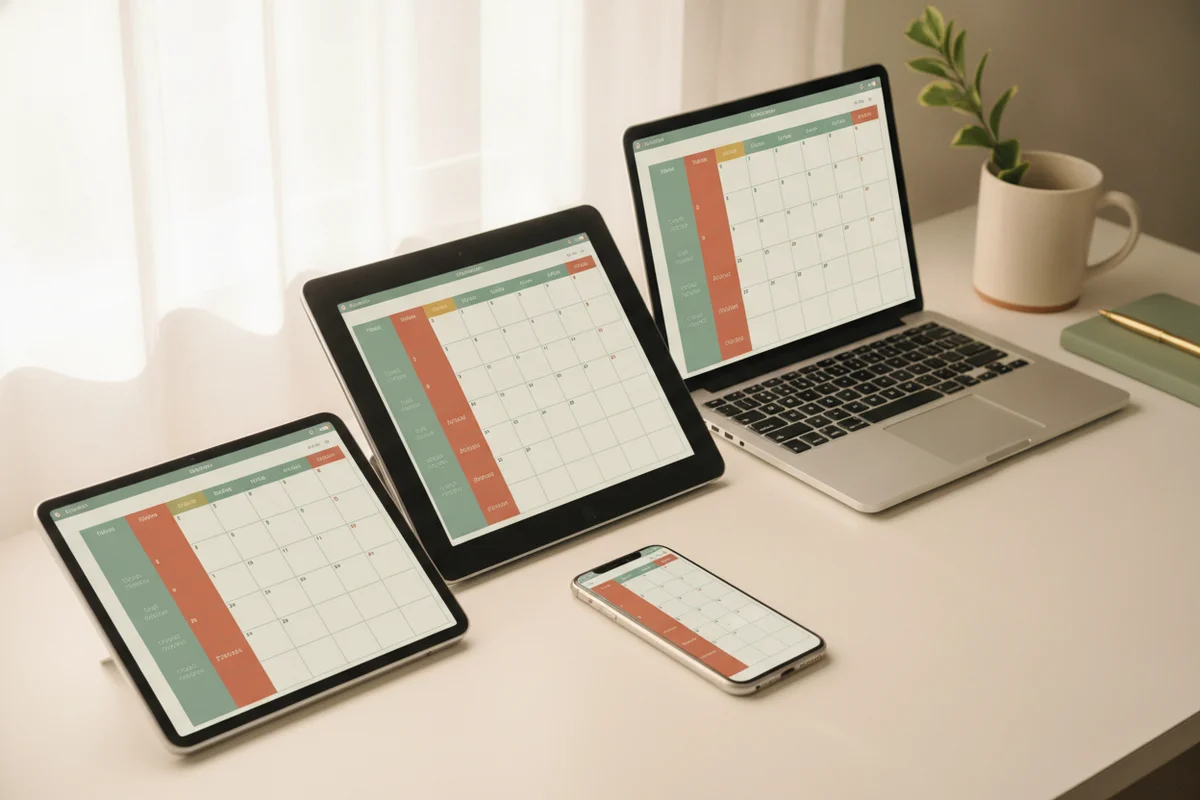
The best digital planner for an iPad is the one with real internal links, a layout that fits how you hold the device, instructions for your notes app and extras you'll actually use. There's no single winner for everyone, so this page gives you eight criteria and a checklist to compare any planner, including ours, honestly.
1. Real hyperlinks
A table of contents is not enough. Check that:
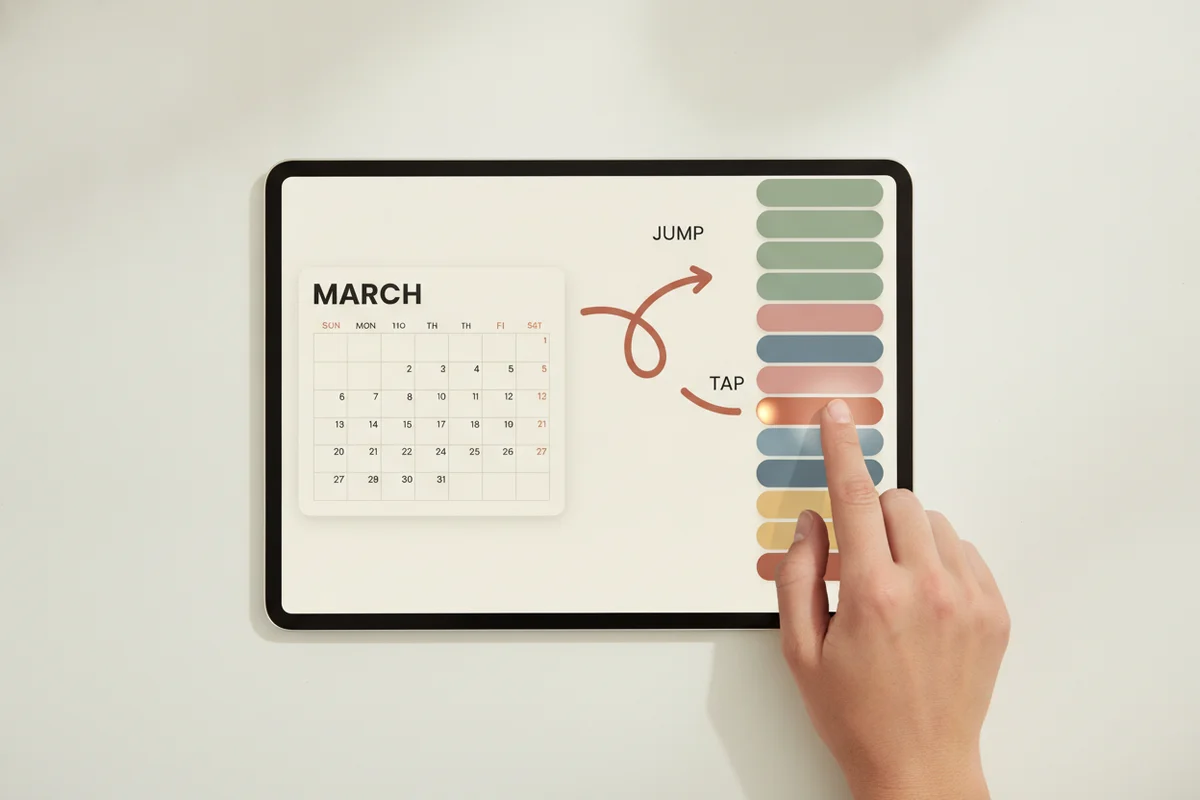
- Month tabs appear on every page.
- Date numbers open that day.
- Week numbers open the weekly spread.
- A top bar links to the index, goals and notes.
- Back buttons return to the month.
Ask the seller how many links the planner has, and whether they were tested. PlanBloom All-in-One Digital Planner has roughly 50,000 internal links in each dated file, and its links were tested with real clicks in a PDF viewer. Testing in each notes app is up to you, because link support varies by app and version.
2. Orientation and week start
Look for landscape and portrait, and Monday and Sunday starts. Landscape suits an iPad on a stand or keyboard. Portrait feels like paper. If a seller offers only one, make sure it fits your habits. PlanBloom All-in-One Digital Planner offers all four as separate files. See the iPad planner guide for help choosing.
3. Dated and undated options
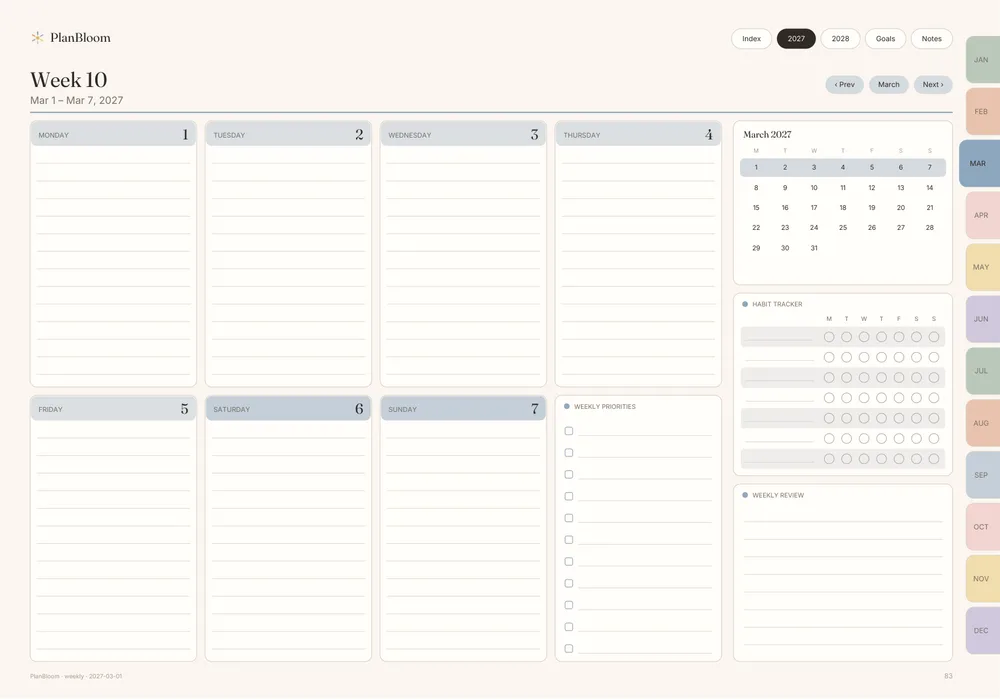
Dated planners are ready to use. Undated planners are flexible. A package that includes both gives you a fallback if you start mid-year. PlanBloom All-in-One Digital Planner includes the dated 2027-2028 planner (952 pages per layout) and an undated planner (481 pages per layout).
4. Clear instructions for your app
You need import steps for the app you use. A good guide covers GoodNotes, Notability, Noteshelf, Xodo and Samsung Notes and says where link support depends on the version. The Quick-Start Guide in PlanBloom All-in-One Digital Planner runs 18 pages and includes troubleshooting.
5. Useful extras
Extras should save time, not pad the page count. Useful ones:
| Extra | Why it helps |
|---|---|
| Notebooks | Ready-to-write notes without building tabs |
| Paper templates | Layouts for study, work and home |
| Covers | A cover for each document |
| Stickers | Labels and markers for priorities |
| Companion tools | A web app for quick capture |
The package here includes 48 tabbed notebooks, 120 paper templates, a Student pack and a Work pack, 160 covers, more than 5,500 stickers, a Home Management Binder as a gift and a Companion app. Finance, 2029 updates, a mega sticker pack and an ADHD bundle are separate add-ons.
6. File size and device fit
Planners are large files. Check the file size against your app's import limit and your iPad's storage. The dated files here are about 12 MB each, the undated about 6 MB. Importing is quick on a modern iPad, though the first load can take a moment.
7. Honest limits
A good seller is clear about what has not been tested and what depends on your setup. Be wary of:
- Claims that links work everywhere.
- "Free" lures that end in unexpected fees.
- Unverifiable reviews and counts.
- Countdown timers that reset.
Read the return terms too. Digital products differ in how refunds work.
8. Price and total cost
Compare the full price, not the headline. Count what is included versus sold separately. A one-time price for a planner covering two years is different from a yearly subscription. PlanBloom All-in-One Digital Planner is a one-time purchase at $24.99, with optional add-ons.
A comparison checklist
Print or copy this list and score each planner you consider:
| Criterion | Planner A | Planner B | Planner C |
|---|---|---|---|
| Tabs and date links on every page | |||
| Landscape and portrait | |||
| Monday and Sunday start | |||
| Dated and undated | |||
| Guide for my app | |||
| Notebooks and templates | |||
| Covers and stickers | |||
| File size fits | |||
| Clear refund terms | |||
| One-time price |
How to test after buying
- Import the PDF into your notes app.
- In reading mode, tap a month tab, a date, a week number and the Index.
- Switch to the pen and write a task.
- Duplicate a notes page.
- Insert a PNG cover.
If any step fails, check the troubleshooting section of the guide, update the app and try again.
Which year to buy
If you're shopping for the next two years, see the 2027-2028 digital planner guide. If you're new to the idea, read what is a digital planner. And for a walkthrough of using one in your app, see the GoodNotes planner guide.