GoodNotes vs Notability: Which Is Better for a Digital Planner?
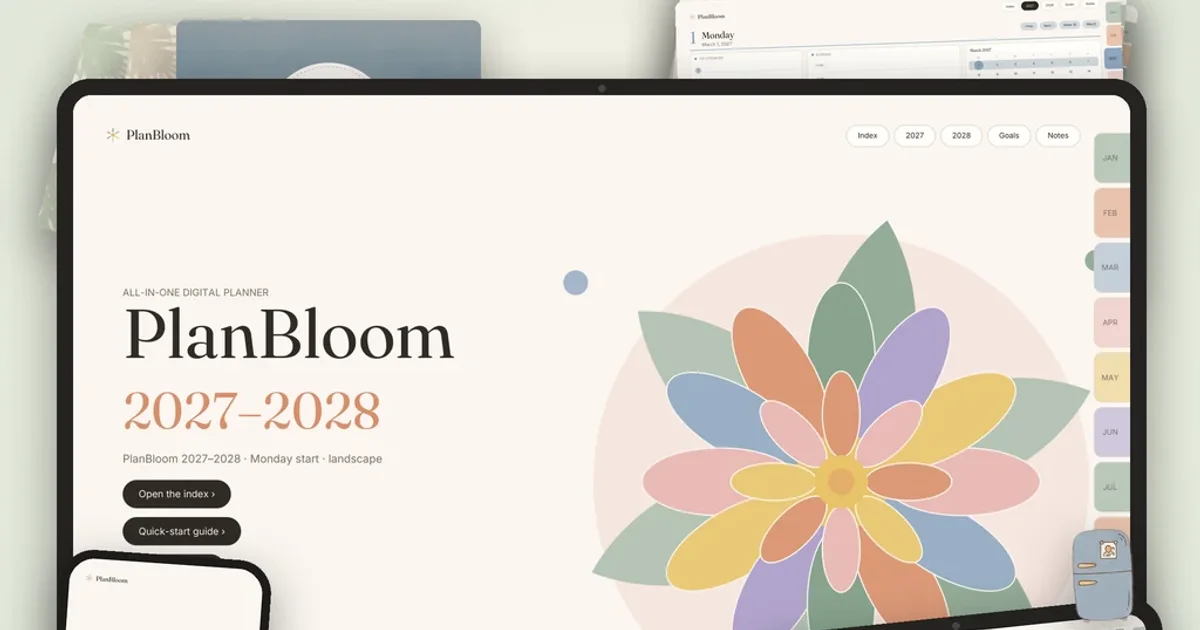
Both GoodNotes and Notability are good at handwritten notes and annotating PDFs, so the better choice depends on how you work: GoodNotes is known for its notebook, folder and template ecosystem, and Notability is known for pairing audio recordings with notes. For a hyperlinked PDF planner, either can work, provided you test the links in your version. Below is a practical comparison, without invented rankings.
Features and pricing change often. Treat this page as a framework and check each app's current store listing and pricing page.
Side by side
| Area | GoodNotes | Notability |
|---|---|---|
| Core use | Handwritten notes, PDF annotation, notebooks | Handwritten notes, PDF annotation, audio notes |
| Organization | Documents in folders; page thumbnails and outline | Notes in subjects and dividers |
| Audio recording | Available, with limits depending on plan | A well-known strength |
| PDF import | Yes, as new documents | Yes, as new notes |
| Planner links | Internal PDF links work in reading mode | Internal PDF links work in reading mode |
| Templates, stickers | Large ecosystem of third-party packs | Supports images and PDFs too |
| Plans | A plan you can use without paying with limits, plus paid plans | A tier you can use without paying, plus paid tiers |
| Platforms | Check the current store listing | Check the current store listing |
Plans and limits
Goodnotes' support FAQ describes a plan with limits such as a cap on editable notebooks, a limit on audio recording per notebook, a size cap on imports and possible watermarks on exports; paid plans relax them. Notability describes several tiers, from one you can use without paying to higher tiers that add features such as transcription and AI tools. Details vary and change, so confirm on each official page. Our does GoodNotes cost money guide walks through what to check.
For planners, the limit that matters most is file size and number of documents. The dated planner PDFs in PlanBloom All-in-One Digital Planner are about 12 MB each; the undated ones are about 6 MB.
How each handles a hyperlinked planner
A planner is a PDF with internal link annotations. In both apps, you:
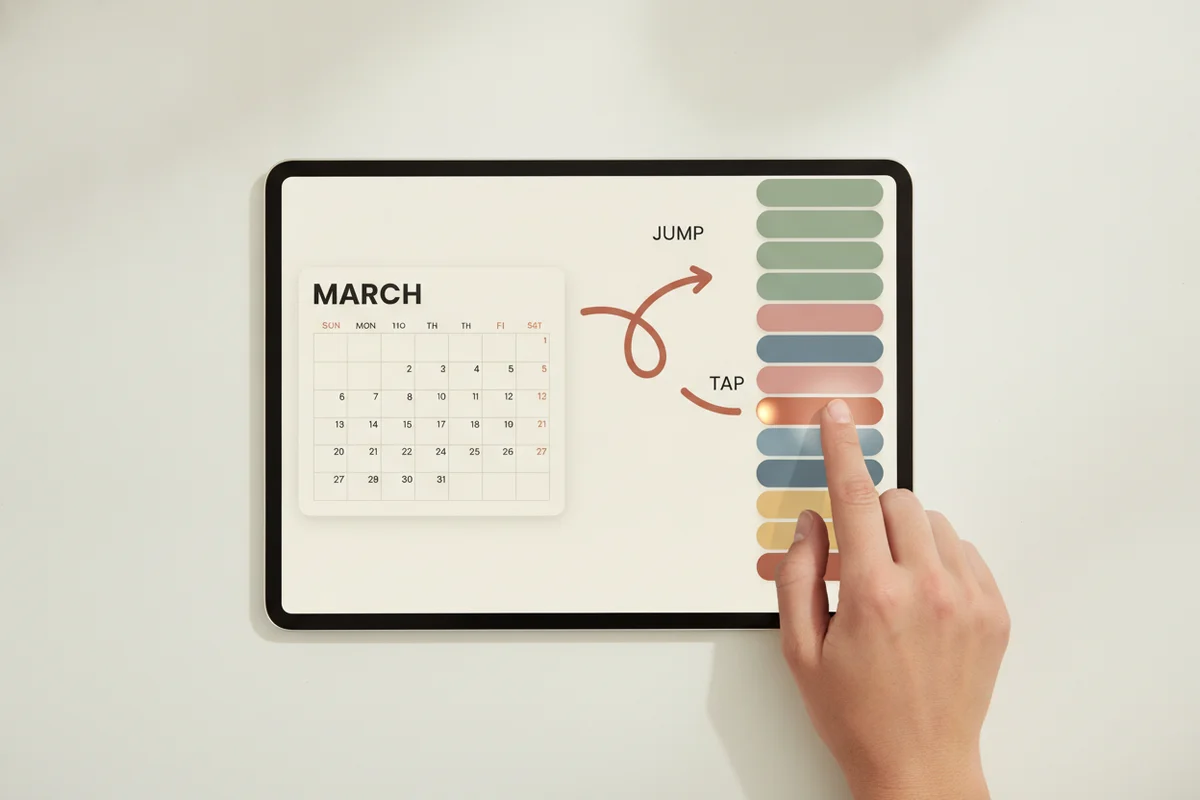
- Import the PDF as a new document or note.
- Switch to reading mode or the hand tool.
- Tap a tab, date or button to follow a link.
- Switch to the pen to write.
Taps that draw dots mean a writing tool is still selected. The Quick-Start Guide in PlanBloom All-in-One Digital Planner has separate pages for GoodNotes and Notability that describe these steps. Neither app has been tested here on every version, and link support depends on the version, so test with one tab after importing.
Who should choose GoodNotes
- You like organizing documents into folders and notebooks.
- You use many templates, covers and stickers.
- You want a large community of planner and sticker resources.
- You mostly write and annotate, with less need for audio.
Who should choose Notability
- You record lectures or meetings and want audio linked to your notes.
- You prefer a simple subject-and-divider layout.
- You like to keep notes and recordings together.
Who doesn't need either
If you mainly use a planner to tap between pages and type or write occasionally, a PDF reader such as Xodo may be enough. Samsung and other Android users have their own options; see digital planners for Android and Samsung Notes.
A quick test
- Install both apps.
- Import the same planner PDF into each.
- Write on a weekly page in each for a week.
- Check which one feels better: palm rejection, pen latency, navigation.
- Keep the one you open without thinking.
Because the planner is a standard file, you aren't locked in. You can import the original PDF into the other app later. Notes written in the first app stay there unless you export them as PDFs.
Planners for each app
For a step-by-step guide to GoodNotes, see the GoodNotes digital planner guide. For Notability, read the Notability planner guide. If you use an iPad, the iPad planner guide compares layouts and setup.
Bottom line
Pick GoodNotes for ecosystem and organization; pick Notability if audio is part of your note-taking. Either handles a PDF planner. The planner you choose matters more than the app, so look for real internal links, a layout you like and honest instructions.