GoodNotes Templates: How to Find, Add and Use Them
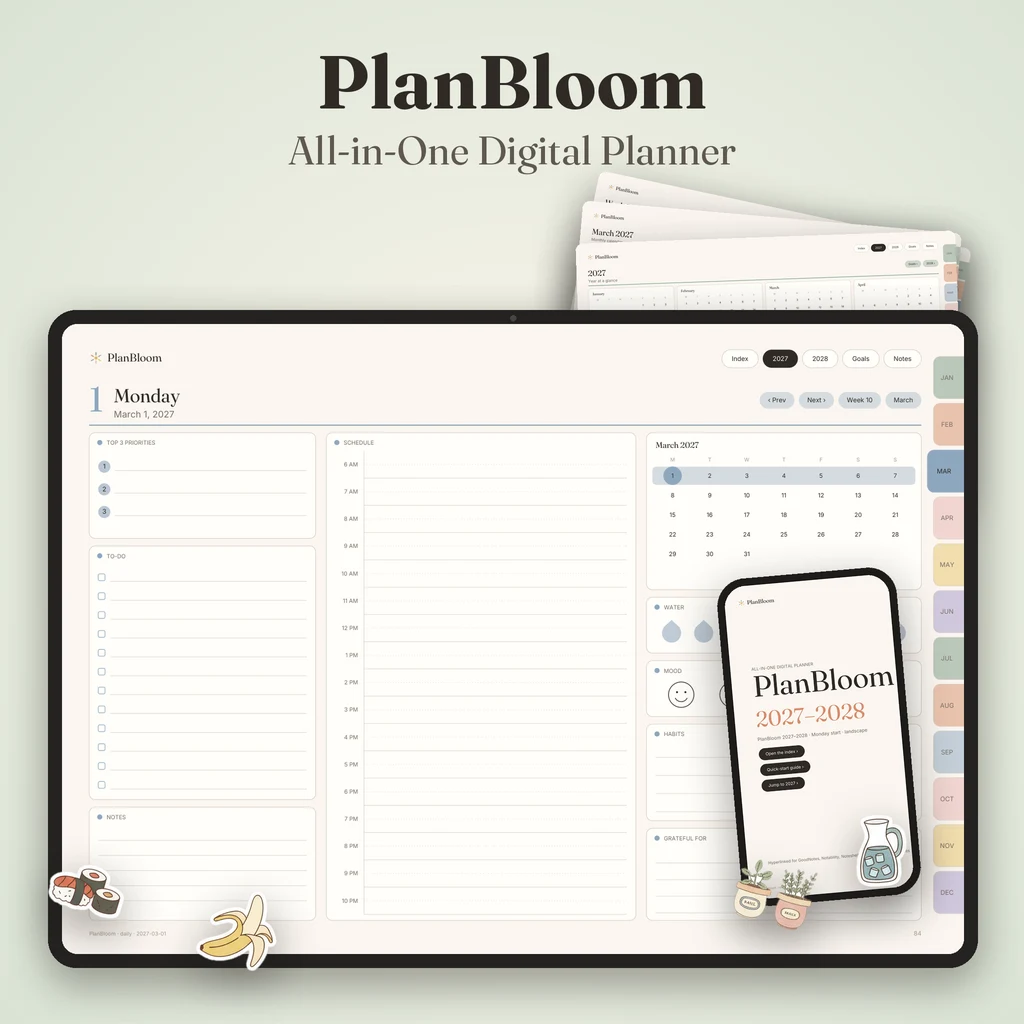
You can get GoodNotes templates in three ways: use the paper types built into the app, import a PDF full of template pages and duplicate the ones you need, or start a notebook from a ready-made notebook file. Templates save time because the layout is already done: a cornell page for class, a project tracker for work, a meal plan for home. This guide shows how each method works and which templates are worth having.
Method 1: Built-in paper types
Most note apps include basic paper: blank, lined, grid and dot grid in a few sizes and colors. These are perfect for general notes, drawing and math. Their limitation is that they are only background lines, not structured pages with boxes for goals or checklists.
Method 2: Import a PDF of templates
A PDF full of template pages is the most flexible method. The steps are:
- Save the PDF to Files or iCloud Drive.
- In GoodNotes, tap the plus button and choose Import.
- Open the PDF as a new document.
- Duplicate the page you want, and write on the copy. The original stays clean.
This way, one file gives you a library of layouts. You can also copy a page into another notebook using your app's page tools. If your app has a "set as template" feature, you can use that on pages you use often, depending on the app version.
Method 3: Notebook files
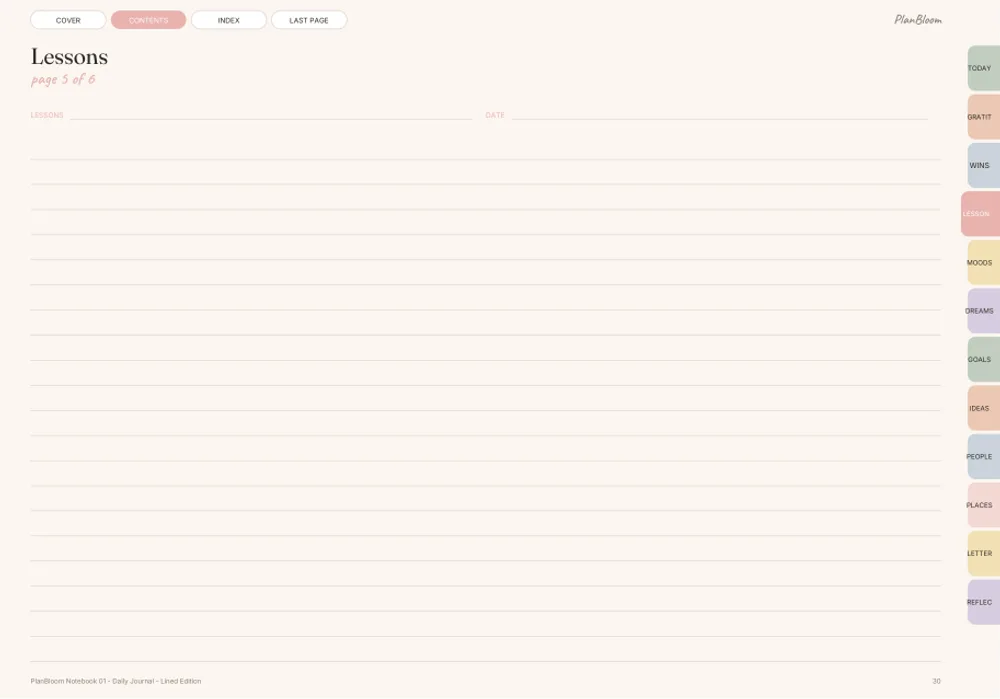
A notebook file is a PDF with many pages of one style, often with tabs for sections. It behaves like a ready-to-write notebook: open it and start. PlanBloom All-in-One Digital Planner includes 48 tabbed notebooks in 12 themes, each theme in lined, grid, dot and mixed versions, with 88 pages per notebook and 12 sections with tabs.
Which templates are worth having
| Need | Template to look for |
|---|---|
| Class notes | Cornell notes, lecture notes, study plan, reading log |
| Work | Meeting notes, project tracker, weekly review, decision matrix |
| Home | Meal plan, grocery list, chore chart, budget snapshot |
| Personal | Habit tracker, gratitude log, daily journal |
| Creative | Dot grid, storyboard, mood board |
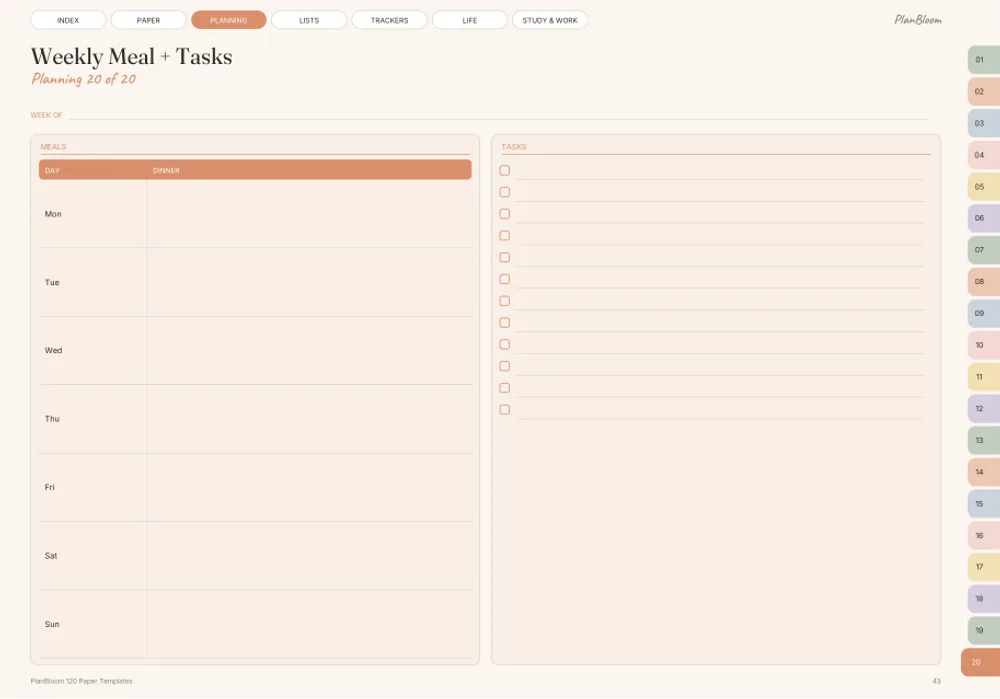
PlanBloom All-in-One Digital Planner contains 120 paper templates plus a Student pack and a Work pack with 25 pages each. The Student pack covers school planning and study pages; the Work pack includes meeting, client, strategy and time-tracking pages. A Home Management Binder (40 templates on 46 pages) comes as a gift.
Tips for using templates
- Duplicate, don't write on the original. Keep one clean master.
- Keep a Favorites document. Copy the pages you use into one file.
- Name pages. In many apps, outlines or page titles help you find a page later.
- Use landscape or portrait that fits you. Portrait suits notes; landscape suits wide tables.
- Don't overbuy. Ten templates you use beat a hundred you don't.
Do templates cost money in GoodNotes?
Template galleries, marketplaces and PDF templates are separate from the app's plan. Some are offered without charge and others are paid. The app's own plan has limits that may affect large files; see does GoodNotes cost money for what to check.
Add personality: covers and stickers
Templates give structure; covers and stickers give style. A cover on the first page makes a notebook easy to spot, and stickers can label sections or mark priorities. See GoodNotes covers and GoodNotes stickers for how to add them.
Linking templates into a planner
A template library is more useful when it connects to your planner. If you use PlanBloom All-in-One Digital Planner, you can duplicate a template page and place it next to your weekly or daily spread. Internal links in the planner stay intact when you add pages. To see how a hyperlinked planner is laid out, read the GoodNotes digital planner guide.
A quick start
- Import your template PDF.
- Open the page index and look through what is there.
- Duplicate three pages you expect to use this week.
- After a week, delete the ones you did not need and keep the rest.
Link support, import steps and some features depend on the app and version you use, so test your setup with one page first.